App Monetization Guide
S
Swiftspeed TeamFive Monetization Channels
Swiftspeed apps support five distinct ways to make money, every one of them configured from inside the editor with no SDK wiring required:
- Display ads (banner, interstitial, rewarded video) via Google AdMob.
- One-time in-app purchases (unlock a feature, buy a virtual good) via App Store / Play Store IAP.
- Subscriptions (recurring monthly/yearly) via App Store / Play Store IAP.
- E-commerce (sell physical products) via the built-in storefront feature or WooCommerce integration.
- E-wallet (preload balance, peer-to-peer transfers, branded stored value) via the e-wallet feature.
Where Monetization Lives
Open the app in the editor.
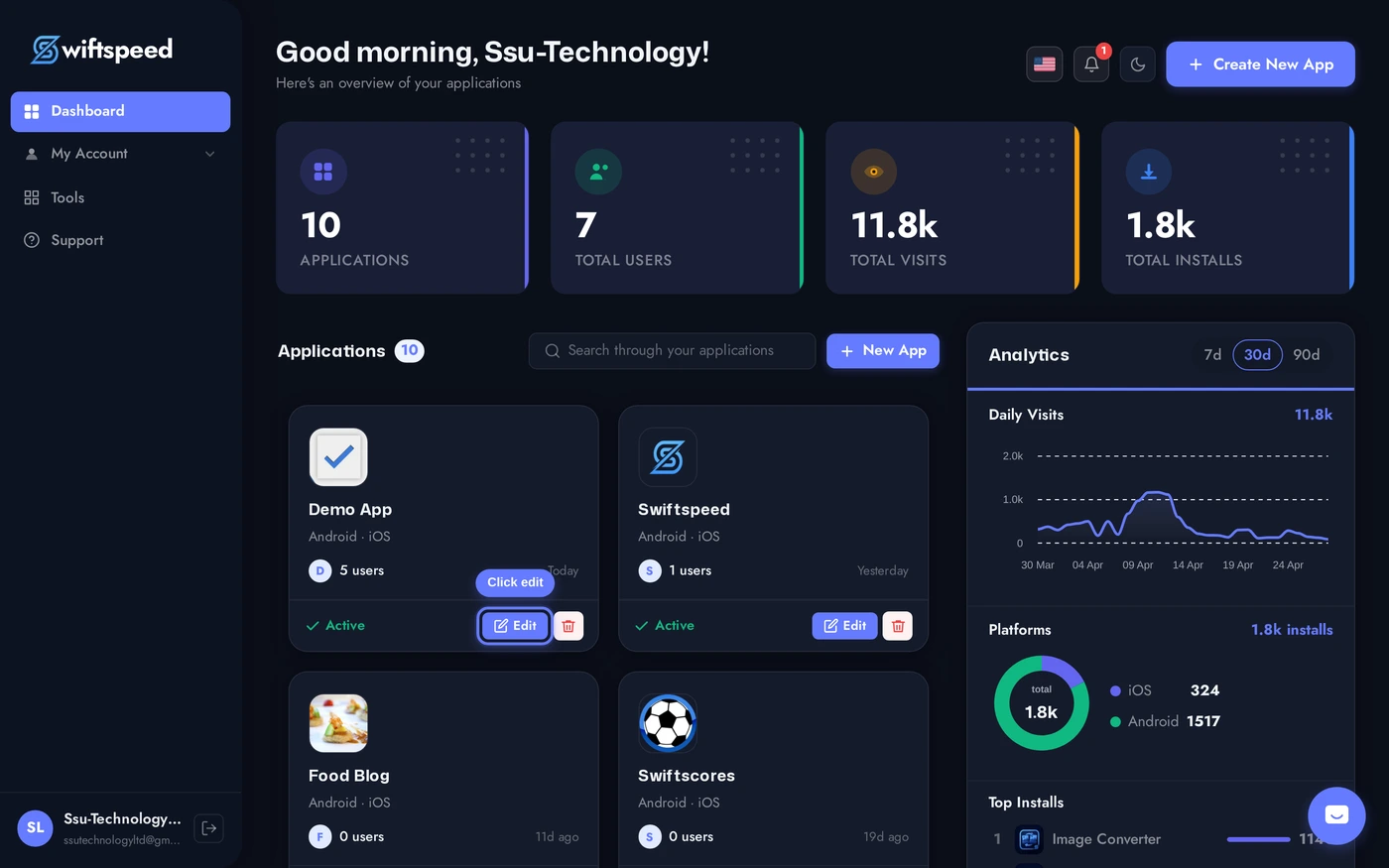
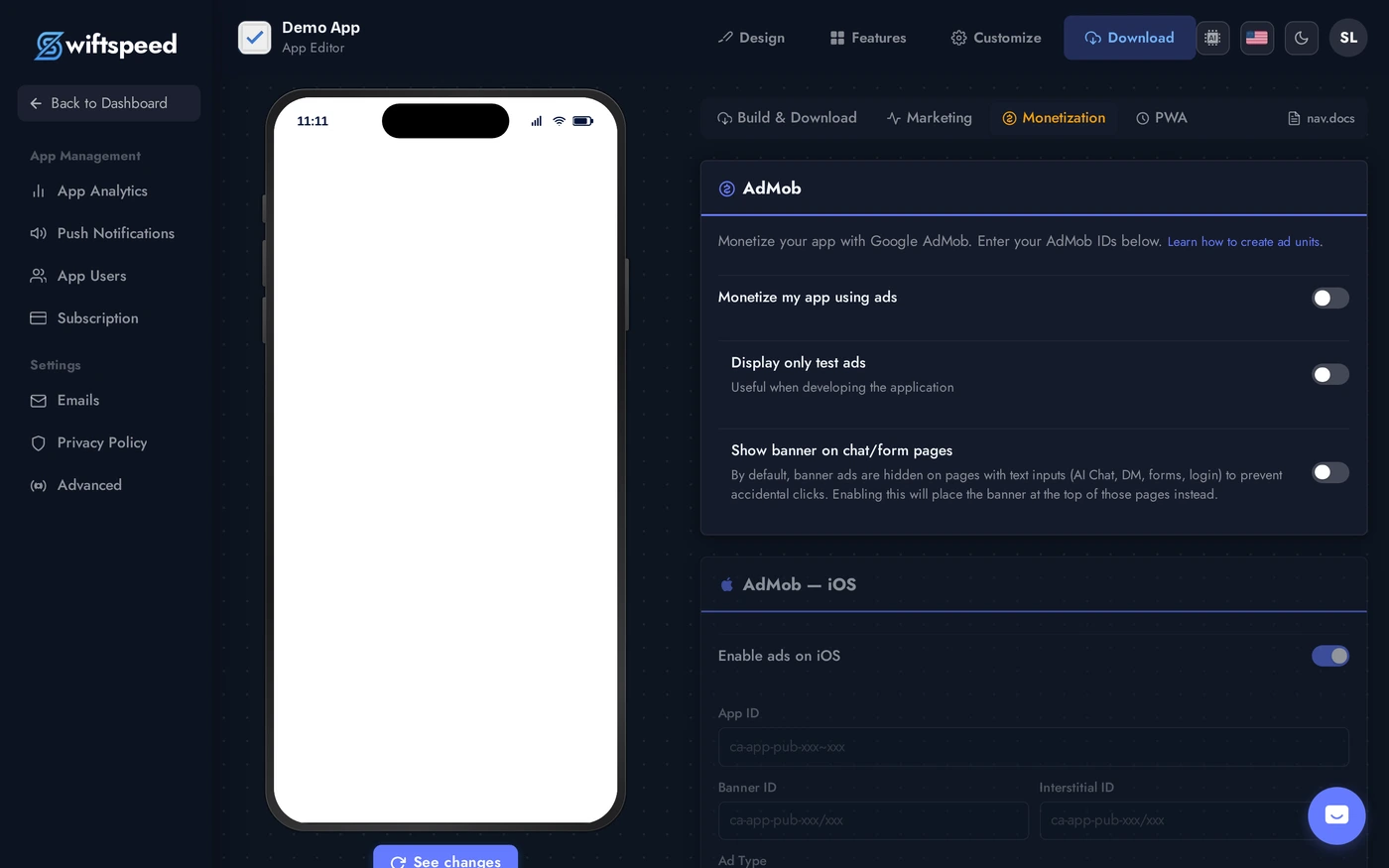
Top bar > Download > Monetization sub-tab. Configure AdMob unit IDs (banner / interstitial / rewarded), in-app purchase products, and subscription plans. The settings flow into the next build.
Display Ads (AdMob)
- Banner: small ad at the top or bottom of every screen. Lowest revenue per impression but highest fill rate; least intrusive.
- Interstitial: full-screen ad shown between screens (e.g. after a quiz finishes, between articles). Higher revenue, higher annoyance. Cap to 1 per session.
- Rewarded video: user opts in to watch a video in exchange for an in-app reward (extra lives, unlock content, bonus wallet balance). Highest revenue, highest user satisfaction when used right.
- Setup: create an AdMob account, generate ad unit IDs per format, paste them into the Monetization tab. The editor builds the ads SDK into your APK / IPA on the next build.
In-App Purchases (One-Time)
- Use case: unlock a premium feature, buy a virtual good, remove ads.
- Setup: create the product in App Store Connect (iOS) and Play Console (Android) with the same product ID. Paste the product ID into the editor, the IAP is wired into the build.
- Apple / Google take 15-30%: standard platform fee. Cheaper for first $1M revenue (15%), 30% above.
- Restore Purchases is mandatory on iOS. Swiftspeed adds the button automatically.
Subscriptions
- Use case: recurring access (Netflix-style content app, premium tier on a tool, ongoing service).
- Setup: same as IAP, but pick "auto-renewable subscription" instead of "consumable" or "non-consumable". Include free trial, intro pricing, multiple tiers as needed.
- Tax + currency: handled by Apple / Google. They charge in the user's local currency, withhold tax for most jurisdictions, pay you net.
- Cancel handling: subscriptions can be cancelled by users from their App Store / Play Store account, not from inside your app. The editor's account tab links them to the right system page.
E-Commerce
- Built-in storefront: the Sell Online feature gives a complete native catalog + cart + checkout, with payment via Stripe / PayPal / WooCommerce Payments. Best when you sell physical goods exclusively in this app.
- WooCommerce integration: connect an existing WooCommerce store (your website + this app share inventory, customers, orders). Best when you already have a WooCommerce shop.
- Apple / Google fees do NOT apply to physical goods checkout. The platforms only take a cut of digital goods (IAP), not real items shipped to a customer.
E-Wallet
- In-app stored value. Customers preload money, then spend it inside your app on bookings, products, custom features.
- Backed by your existing payment gateways (Stripe / PayPal / Paystack).
- Best for ecosystems where customers transact often (multi-vendor marketplaces, loyalty programs, branded coffee-shop-style accounts).
- See the dedicated E-Wallet KB article for setup.
Tips
- Pick one or two channels, not five. Most apps over-monetize and lose users. Banner ads + one IAP is enough for most.
- Test the buying flow yourself. Before launching IAP, buy your own product end-to-end on a real device. Apple / Google sandboxes are imperfect; real card transactions surface real bugs.
- Display ad revenue scales with engagement, not installs. A 1000-DAU app with 5 ads per session beats a 5000-DAU app with 1 ad per session.
- Subscriptions need a clear "what do I get" page. Apple specifically rejects subscription apps that do not list benefits up front.