Invite Friend Feature
What is the Invite Friend Feature?
The Invite Friend feature is a small native page that lets app users share the app with friends in one tap. Tap Share, the system share sheet opens (iMessage, WhatsApp, email, anything installed) pre-filled with the message and download link you set in the editor. It is the lowest-effort viral channel a mobile app has, and it converts because the message comes from someone the recipient already knows.
Adding Invite Friend to Your Mobile App
Click the edit pencil on the mobile app you want to add the share page to.

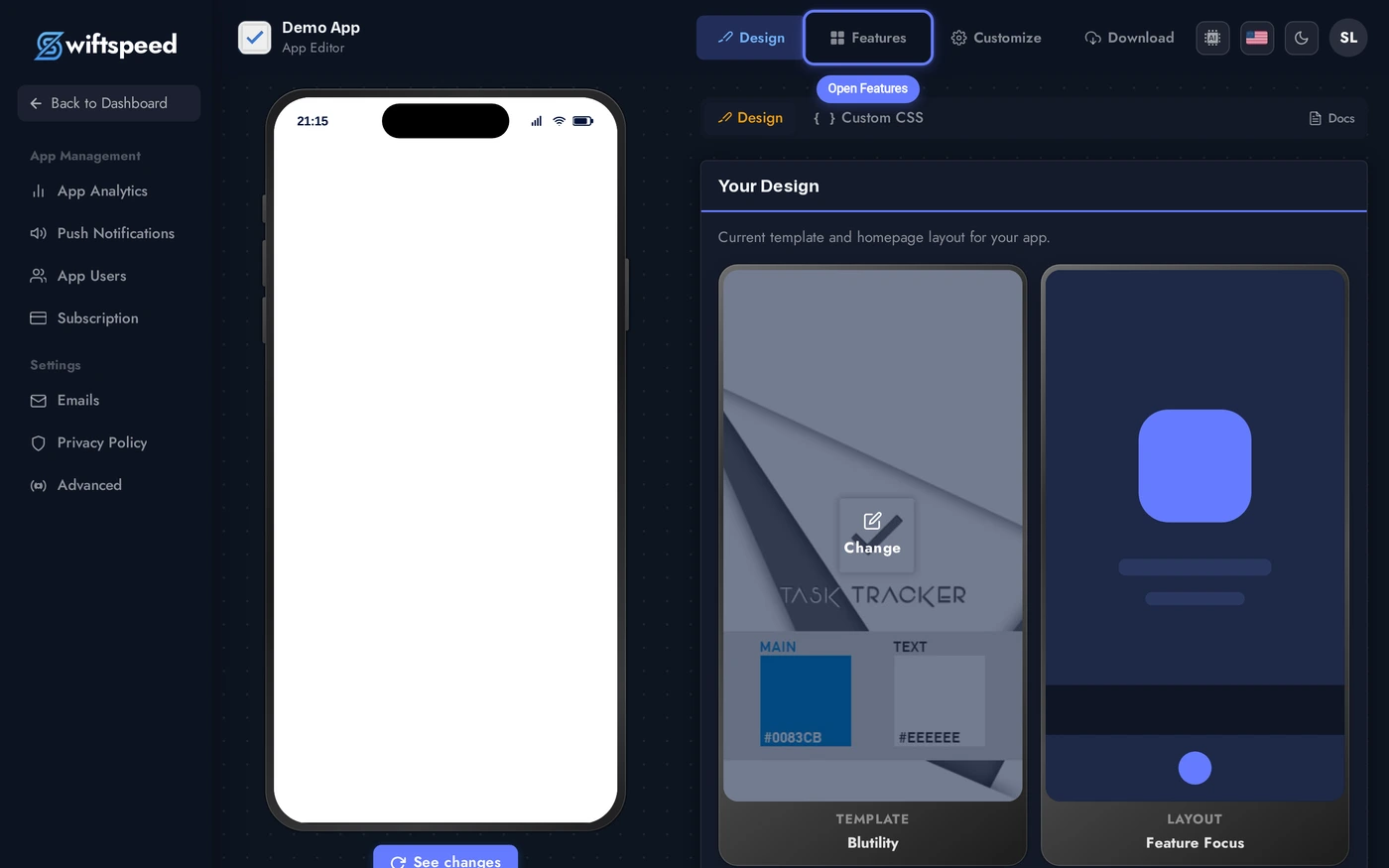
Click Features in the top bar of the App Editor.
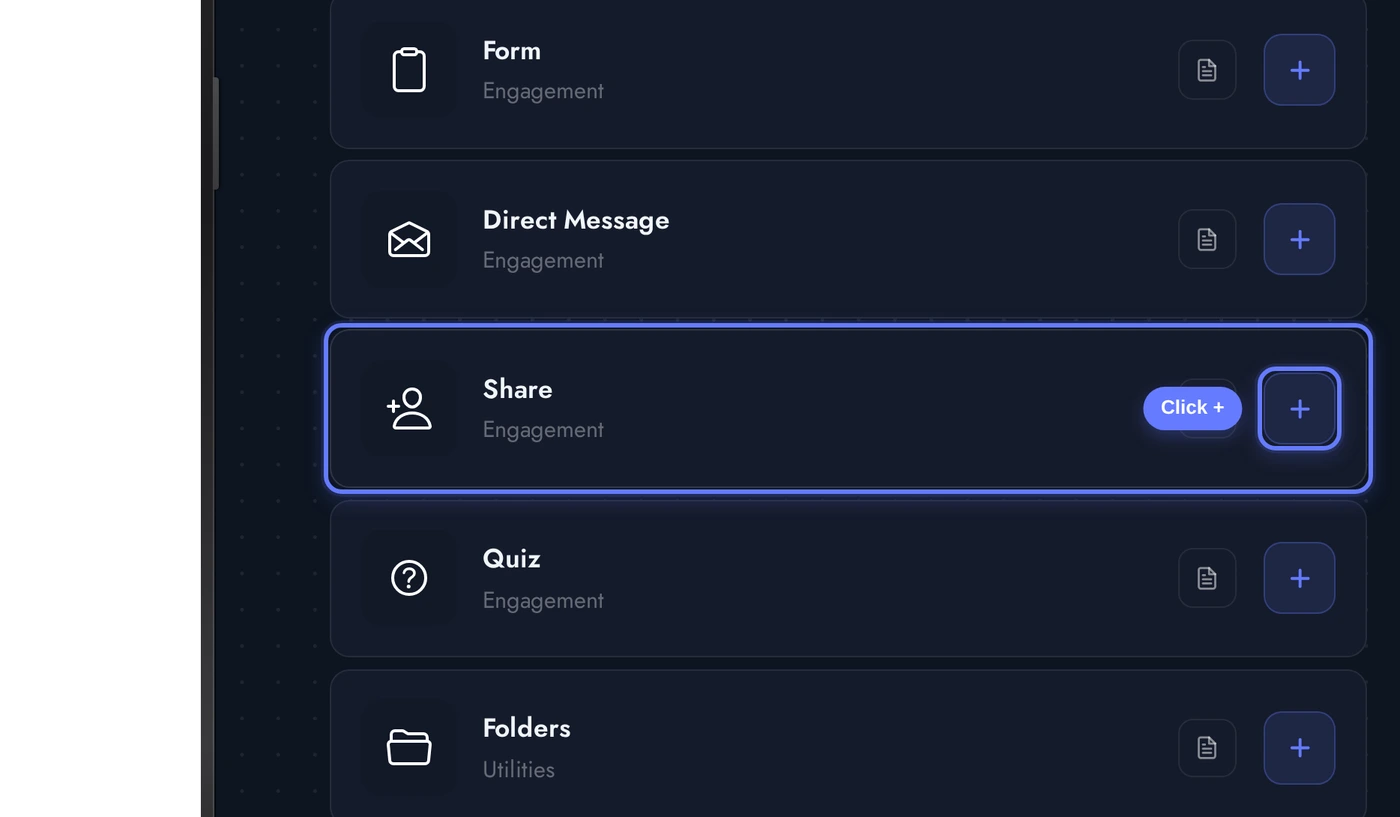
Find the Share card (the Invite Friend feature ships under that label) and click the + button. The native share page is added, pre-filled with friendly default copy.
The Editor
When the Invite Friend editor opens, the Content tab is the default workspace. Three cards top-to-bottom:
Replace the seeded copy with whatever fits your brand voice. The editor autosaves, so the native app picks up the new text on the next refresh. Sharing text gets the most leverage, treat it like an email subject line.
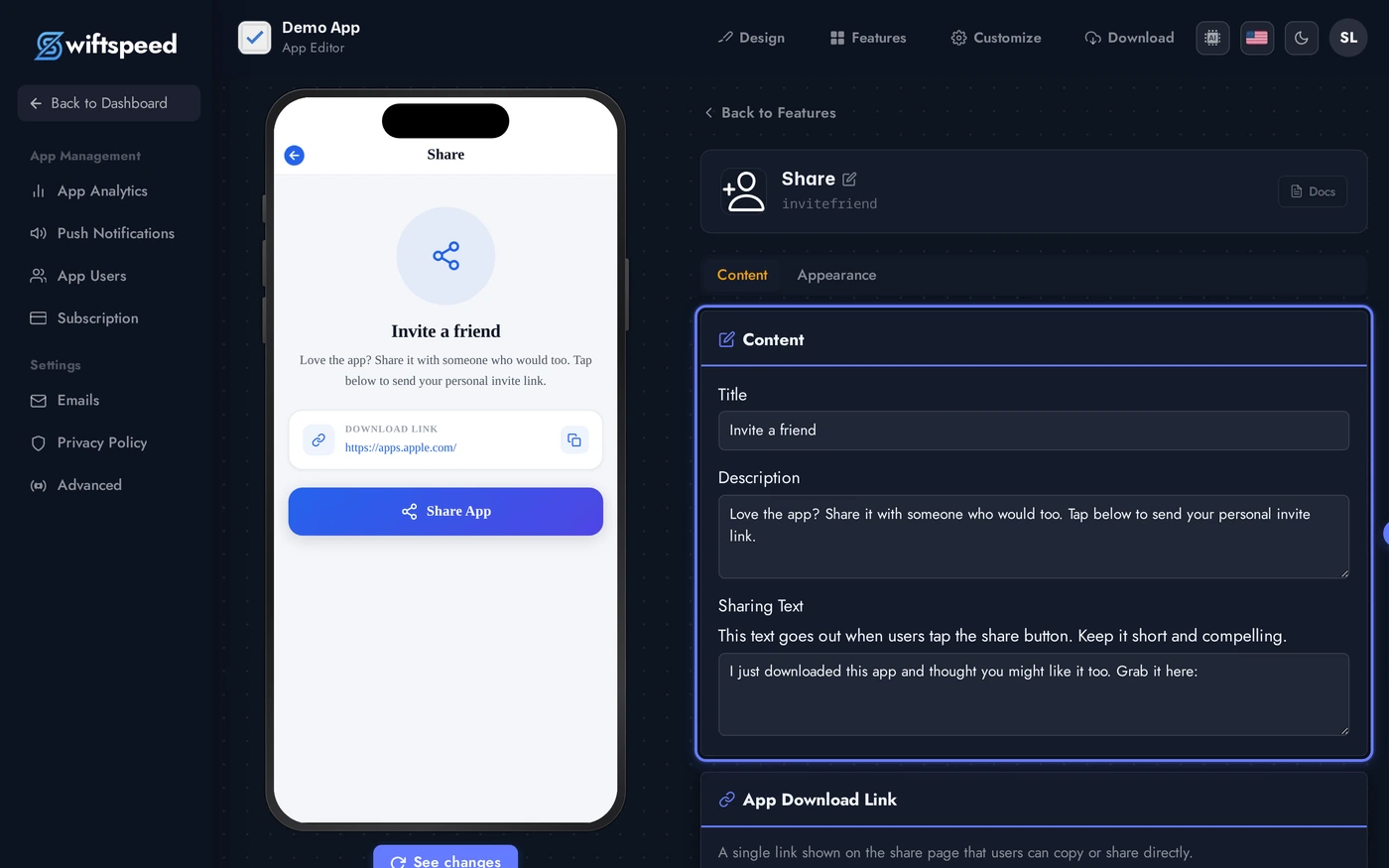
- Page Copy: title, description, and the actual sharing text the system share sheet uses. The sharing text is what the friend receives in iMessage/WhatsApp/email, keep it short and personal.
- Download Links: separate iOS App Store and Android Play Store URLs. The native app picks the right link based on the recipient's device when possible, and falls back gracefully when not.
- Cover Image: optional banner shown at the top of the share page. A friendly product shot or lifestyle image converts better than a logo.
Live Preview of the Share Page
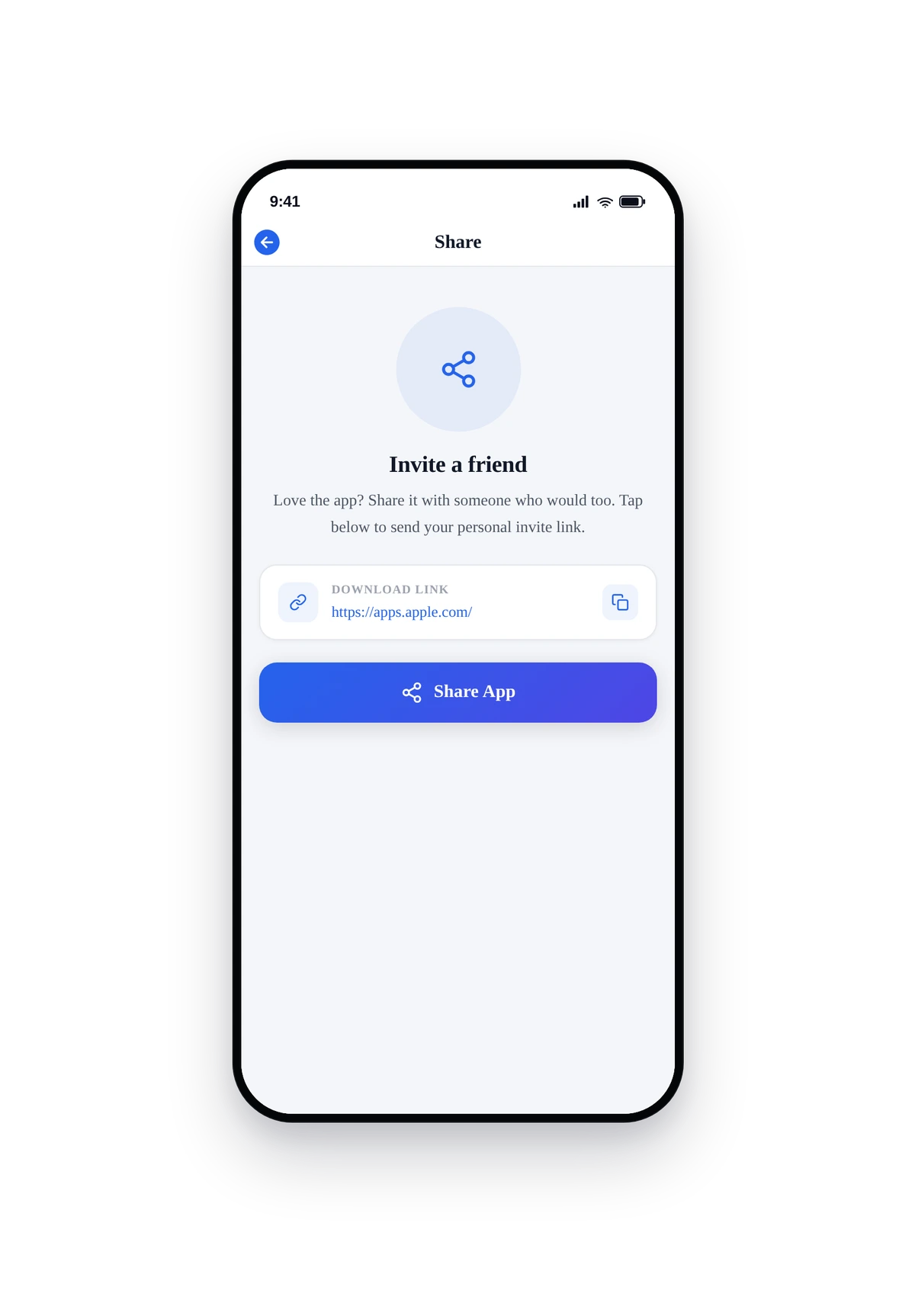
Here is how the seeded share page renders inside a real phone:
This is the actual native UI of the share page, not a mockup. Tap Share and the system share sheet opens pre-filled with your message and download link. The user picks a contact in iMessage, WhatsApp, email, or any other share target installed on their phone, and the invite goes out instantly.
Tips and Best Practices
- Personalise the sharing text. "Try this app" converts at 1%. "I've been using this for X and you should too" converts at 5x that. Treat sharing text like a marketing message.
- Use real store URLs once you ship. The seeded
apps.apple.comandplay.google.complaceholder URLs work, but a direct link to your specific app converts better and lets you track installs. - Add a cover image. Plain-text share pages feel like a Settings screen. A friendly hero image makes the page feel like an opportunity, not a chore.
- Keep title + description short. Both render in the small share-page card before the Share button. Anything past two lines gets truncated on small phones.
- The system share sheet handles formatting. You don't need to add the URL to your sharing text manually, the native code appends the right store link based on the recipient's platform.