Managing App Users
What App Users Means
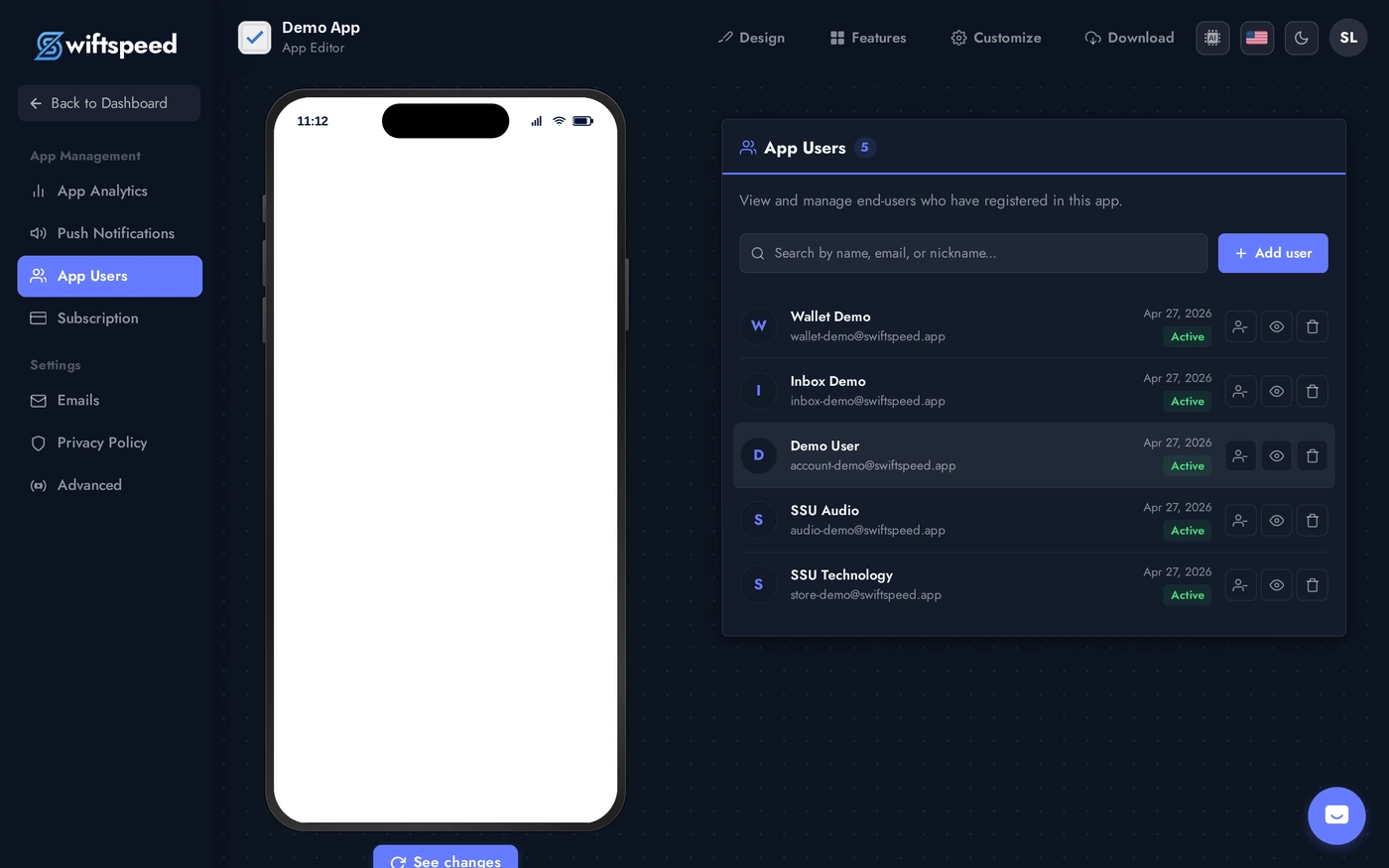
The App Users page in the sidebar lists every end-user (customer) who registered in your mobile app via the My Account feature. These are the people who use your app, distinct from the editor admin (you) who builds it. The page is your control center: see who joined, search by name or email, create accounts manually, disable troublemakers, delete data on request, grant access to locked features.
Where It Lives
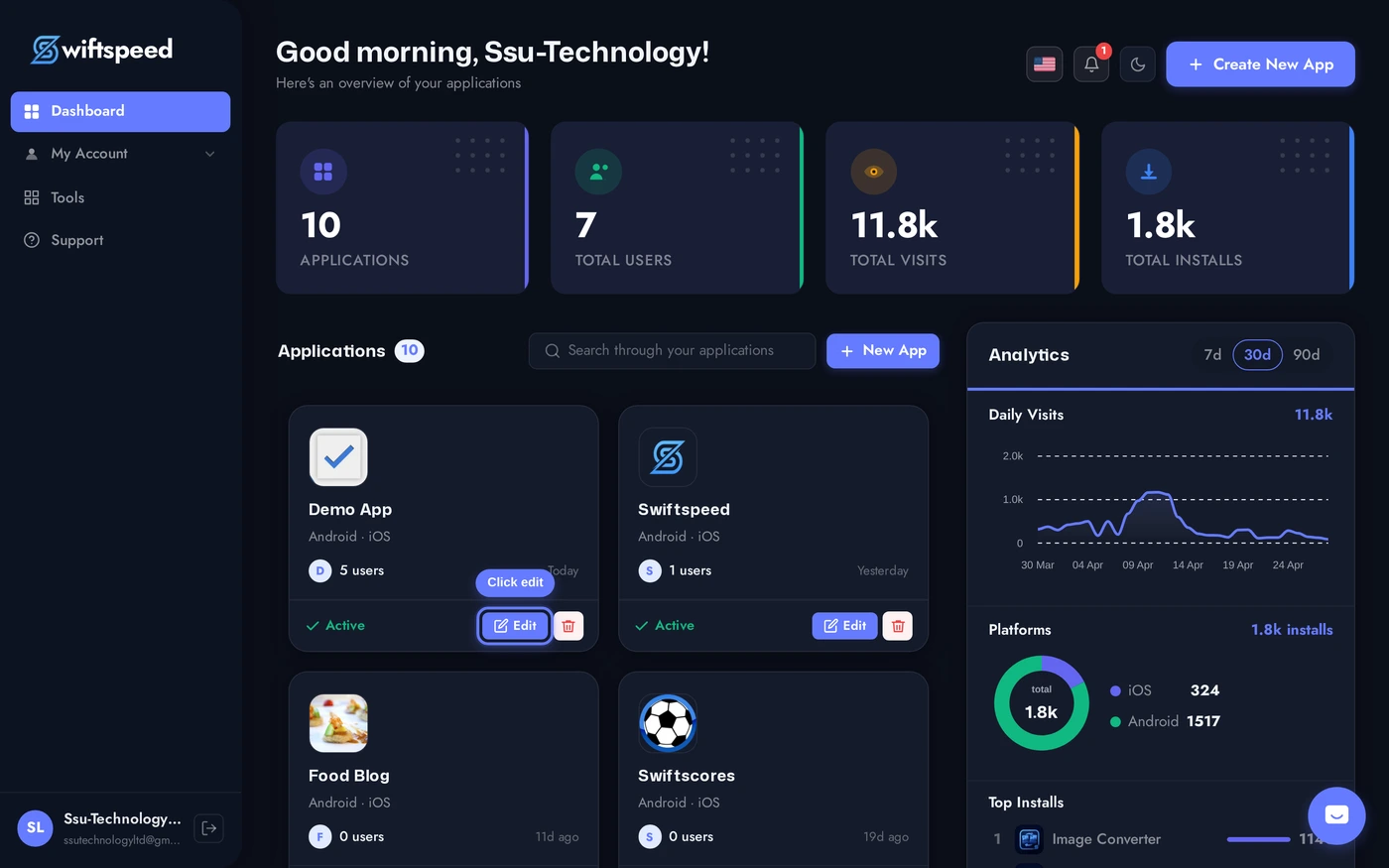
Open the app in the editor.
Sidebar > App Users. The page shows total registered users at the top, a search bar, an Add user button, and a paginated list of users. Each row shows avatar, name + nickname, email, registration date, status (active / disabled).
Manually Creating a User
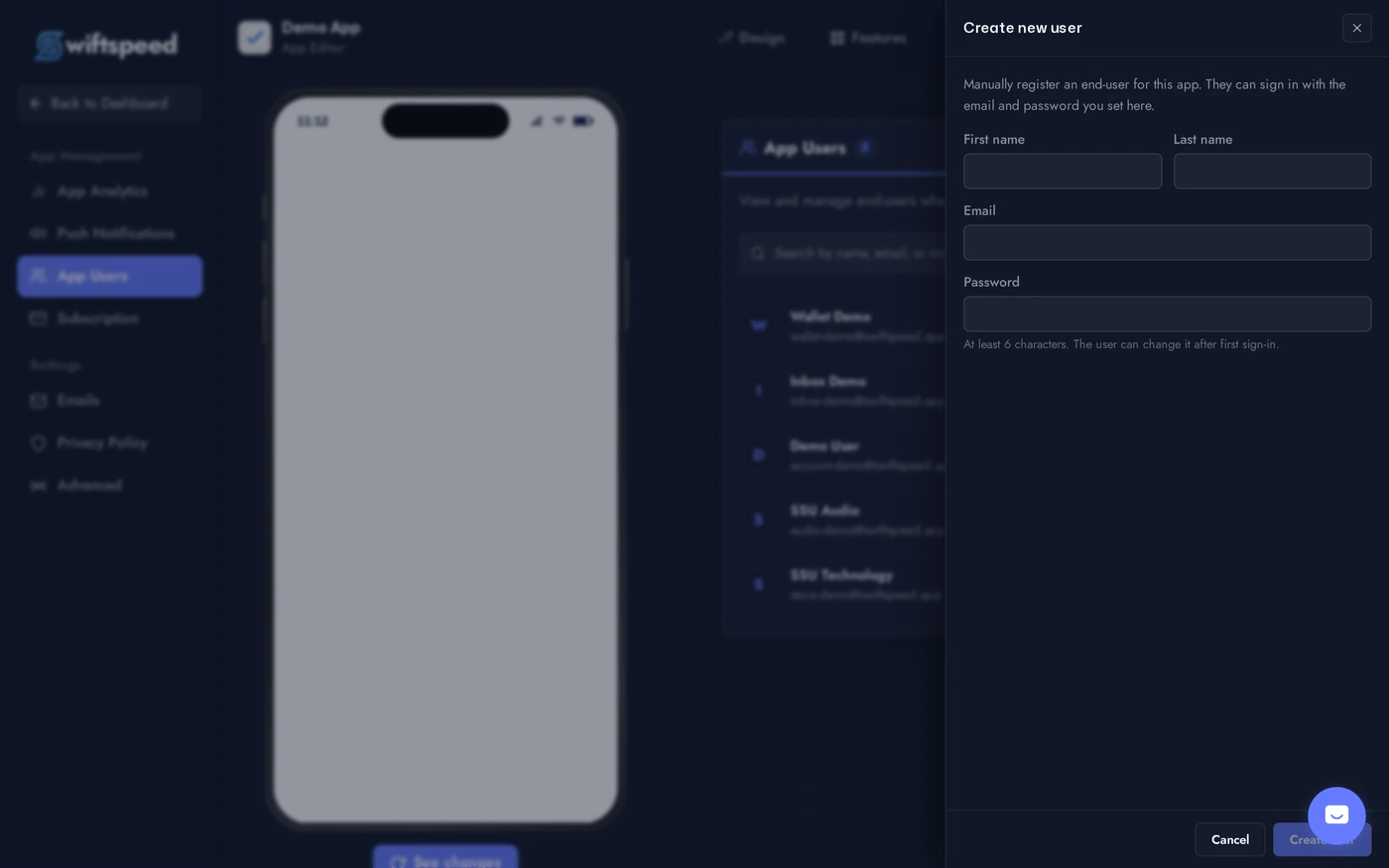
The Add user button (top right of the search bar) opens a slide-in drawer with first name, last name, email, and password fields. Useful for migrating customers from another platform, granting access to staff, or pre-creating accounts for testing.
Click Add user. The drawer slides in from the right. Fill in the four fields, click Create user. The customer is created with an active account and can sign in immediately with the email + password you set. Email verification is bypassed for manually-created users.
Per-User Actions
View details (eye icon): full profile including civility, last update, active sessions, locked-feature access status.
Toggle active / disabled (people icon with strike): disabled users cannot sign in. Their data stays in the system. Useful for temporary suspensions.
Lock / unlock access (in the detail modal): grants the user access to features locked behind App Access settings (see the App Access Control article).
Delete (trash icon): GDPR-compliant data deletion. Anonymises the customer record (name, email, mobile, addresses) while preserving the data structure for analytics.
Search and Filter
Search bar matches name (first or last), email, or nickname. Updates live as you type (350ms debounce).
Pagination at 20 per page. Use search to narrow large user bases instead of paging through hundreds.
No filter UI today for "registered after date X" or "active in last 7 days"; for those slices, use the App Analytics page or export the customer database via the API.
GDPR Compliance
Right to access: the View details modal shows everything you store about the user. Customers can request a copy via the My Account page in the app.
Right to deletion: the Delete button anonymises the record (cannot be undone). Email becomes
deleted_<timestamp>@swiftspeed.deleted, name fields blank, sessions revoked.Right to portability: export customer data via the API or by replying to a customer's request manually.
Logs preserved: deletion anonymises personal info but preserves transaction history (orders, bookings, wallet transactions) so accounting and audit trails stay intact.
Tips
Manually-created users skip email verification. Trust them only with authenticated team / staff use cases. For production user signups, let users register through the My Account flow so the OTP step catches typos.
Disable before delete when you can. A disabled user is reversible; deletion is permanent.
Audit the user list quarterly. Stale accounts increase your storage bill and complicate analytics. Disable accounts that haven't signed in for 12+ months unless you have a regulatory reason to keep them.
Treat deletion as final. GDPR-compliant deletion runs immediately and cannot be reversed. Have a clear policy on when you delete (immediately on request, or after a 30-day grace).