Marketing Your App
Built-In Marketing Tools
Marketing a mobile app is fundamentally different from marketing a website. Customers acquire your app once, then re-engage from their phone's home screen. Swiftspeed bundles every channel that matters: store listing assets (ASO), push notifications, in-app share / referral, deep links, and analytics, all from the same editor where you build the app.
The Marketing Stack
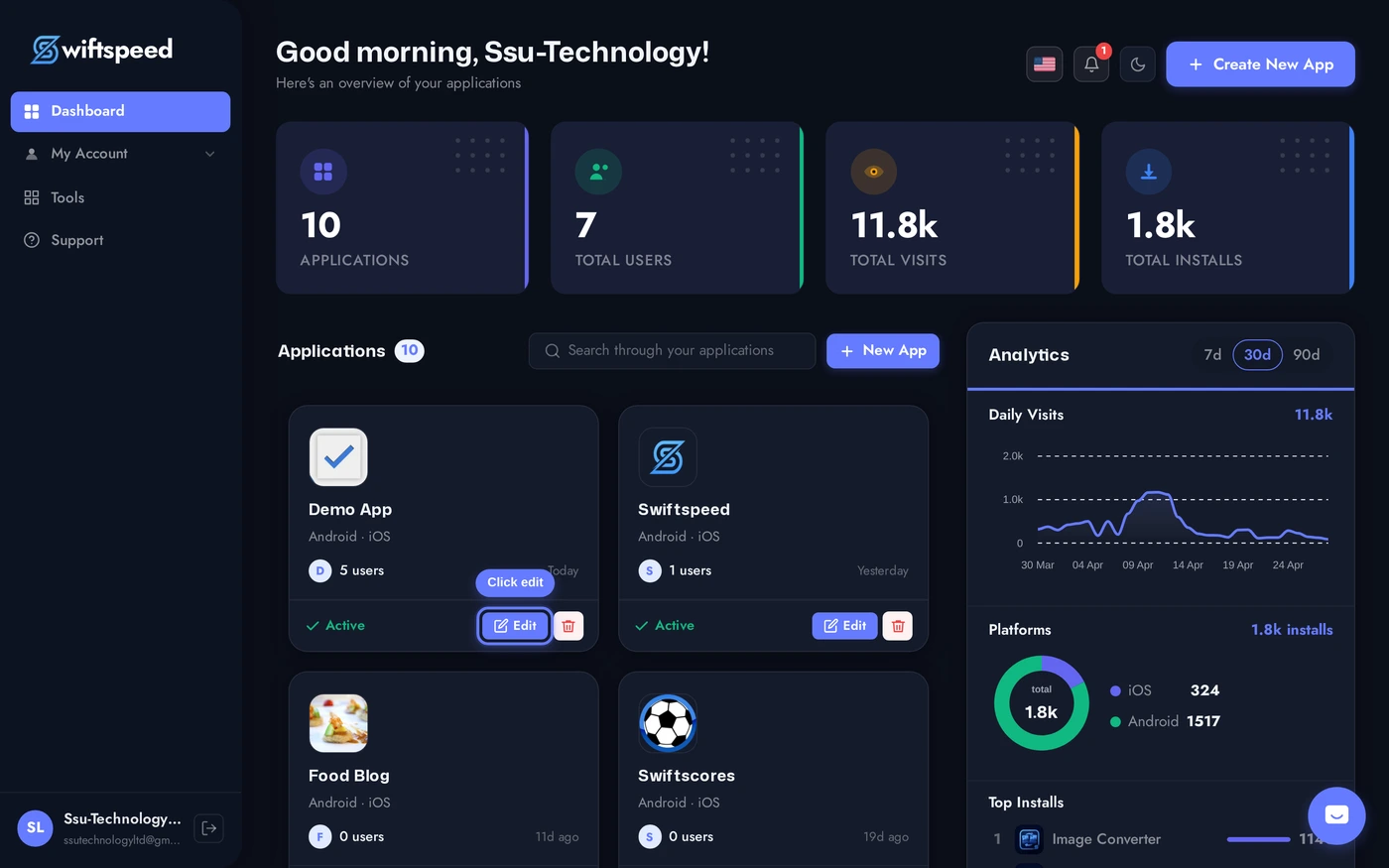
Top bar > Download > Marketing sub-tab. Sets the App Store / Play Store listing assets: short description, full description, keywords, feature graphic, screenshots. These flow into your build metadata and the listing pages.
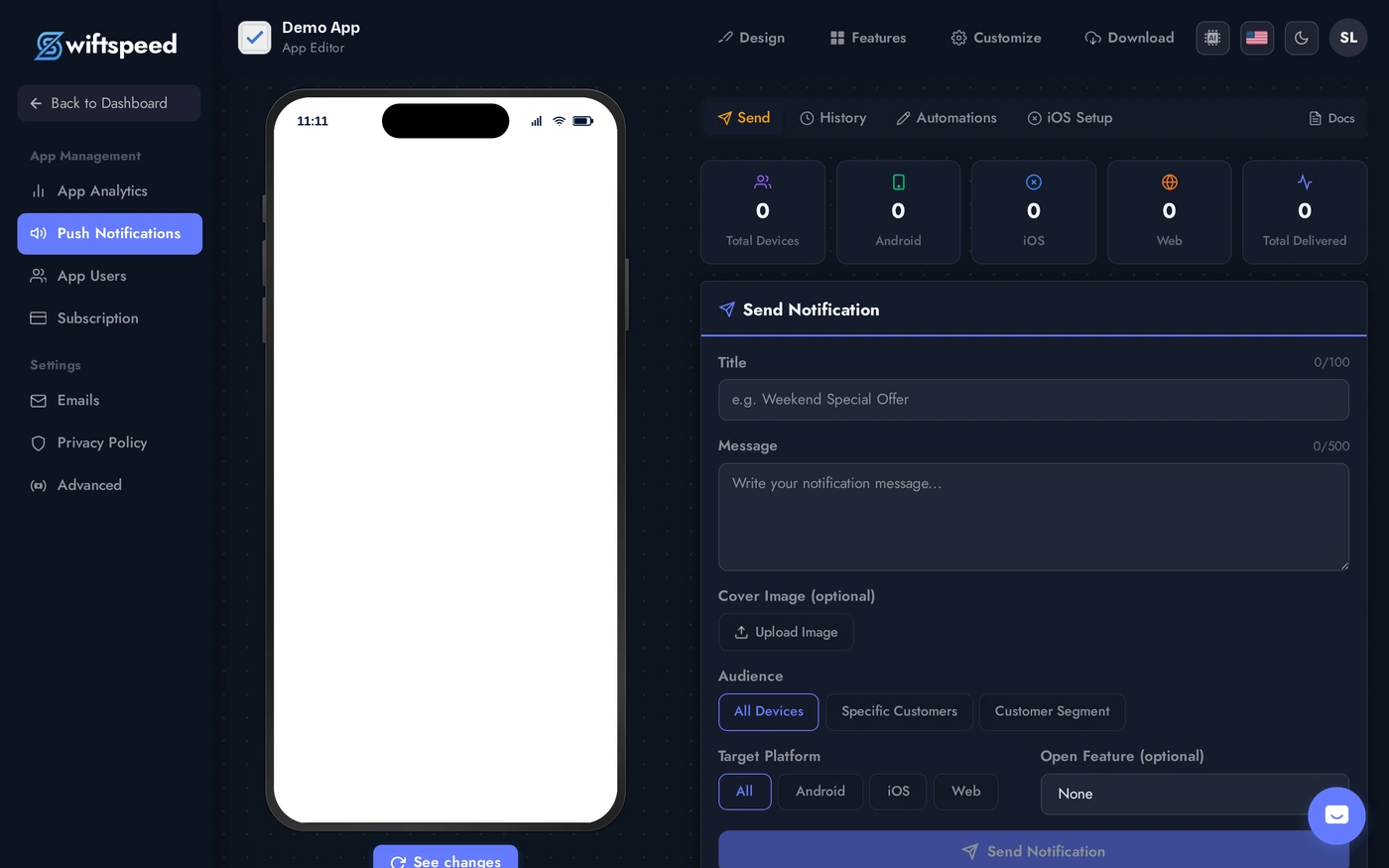
Sidebar > Push Notifications (Promote page). Compose a push, target audience (all / specific / segment), see delivery + open stats. The single highest-leverage channel inside a mobile app.
App Store Optimization (ASO)
- Title (max 30 chars on iOS, 50 chars on Android): include one strong keyword. "Tasty: Recipes & Meal Plans" beats "Tasty".
- Short description / Subtitle (80 chars): one-line value prop. The most-read text in your listing.
- Full description: 4000 chars on Play Store. First 250 chars are visible without "more"; put the strongest hook there.
- Keywords field (App Store only, 100 chars): comma-separated, no spaces between commas. Use words customers would search, not your brand voice.
- Screenshots: 2 to 8 phone screenshots (1080x1920 minimum). Add captions overlayed on the screenshots, plain UI screenshots underperform.
- Feature graphic (Play Store only, 1024x500 PNG): the banner shown above the install button. Treat it like a billboard.
Push Notifications
- Configured from Promote sidebar entry. See the dedicated Push Notifications KB article for full details.
- Highest-engagement channel a mobile app has. Use sparingly: 2-3 per week is the upper bound before users disable.
- Schedule for the time zone of your audience, not your own.
- Short title + benefit-driven message + cover image = 2-3x open rate vs plain text.
In-App Share / Referral
- The Invite Friend feature (added from the Features tab) gives every user a one-tap share button. The native share sheet opens with your message + download link pre-filled.
- Lowest-effort viral channel. See the Invite Friend KB article for setup.
- Personalise the sharing text. "I downloaded this app and thought you would like it" converts 5x better than "Try this app".
Deep Links and Attribution
- Deep links: when shared, your app URL opens specific screens inside the app (e.g.
yourapp://product/123opens that product). Configured in Publish > App Info > URL Schemes (iOS) and intent filters (Android). - Attribution: the editor's App Analytics sidebar shows install source when known. For paid acquisition (Facebook, Google, TikTok ads), set up the platform's SDK in your build for proper attribution; Swiftspeed exports support that.
Marketing Outside the Editor
- Landing page: build a one-page site at
yourbrand.com/appwith one job: get the user to the App Store or Play Store. Embed the platform-specific install buttons. - Email signature: link to your app store listing in every email anyone on your team sends.
- Reviews and ratings: respond to every Play Store / App Store review. Even a "thanks" within 48 hours moves the algorithm.
- Press: niche app review blogs (TheAppRated, Product Hunt, Lifehacker) drive long-tail discovery. A short pitch with a 30-second video usually beats a long press release.
Tips
- Optimize the listing before launching. First 30 days of Play Store traffic largely comes from search; the listing is everything.
- Track installs to channels. Use UTM-tagged URLs to your store listing so you know which channel actually drives downloads.
- Update the listing regularly. Play Store rewards apps that ship updates. New screenshot, refreshed description, version bump every 4-6 weeks signals "active product".
- Push first, email second. App users open push at 30-50% rates, email at 5-15%. Use push for time-sensitive, email for nurture.