Privacy Policy Settings
Why You Need a Privacy Policy
Both Apple and Google require every app that collects personal data to publish a privacy policy URL. The Play Store enforces this in the data safety form, the App Store in the App Privacy section. Apps without a publicly-accessible policy URL are rejected at submission. Swiftspeed hosts the policy for you, edits live in a rich-text editor, and the public URL is the one you paste into the Play Console / App Store Connect.
Editing the Policy
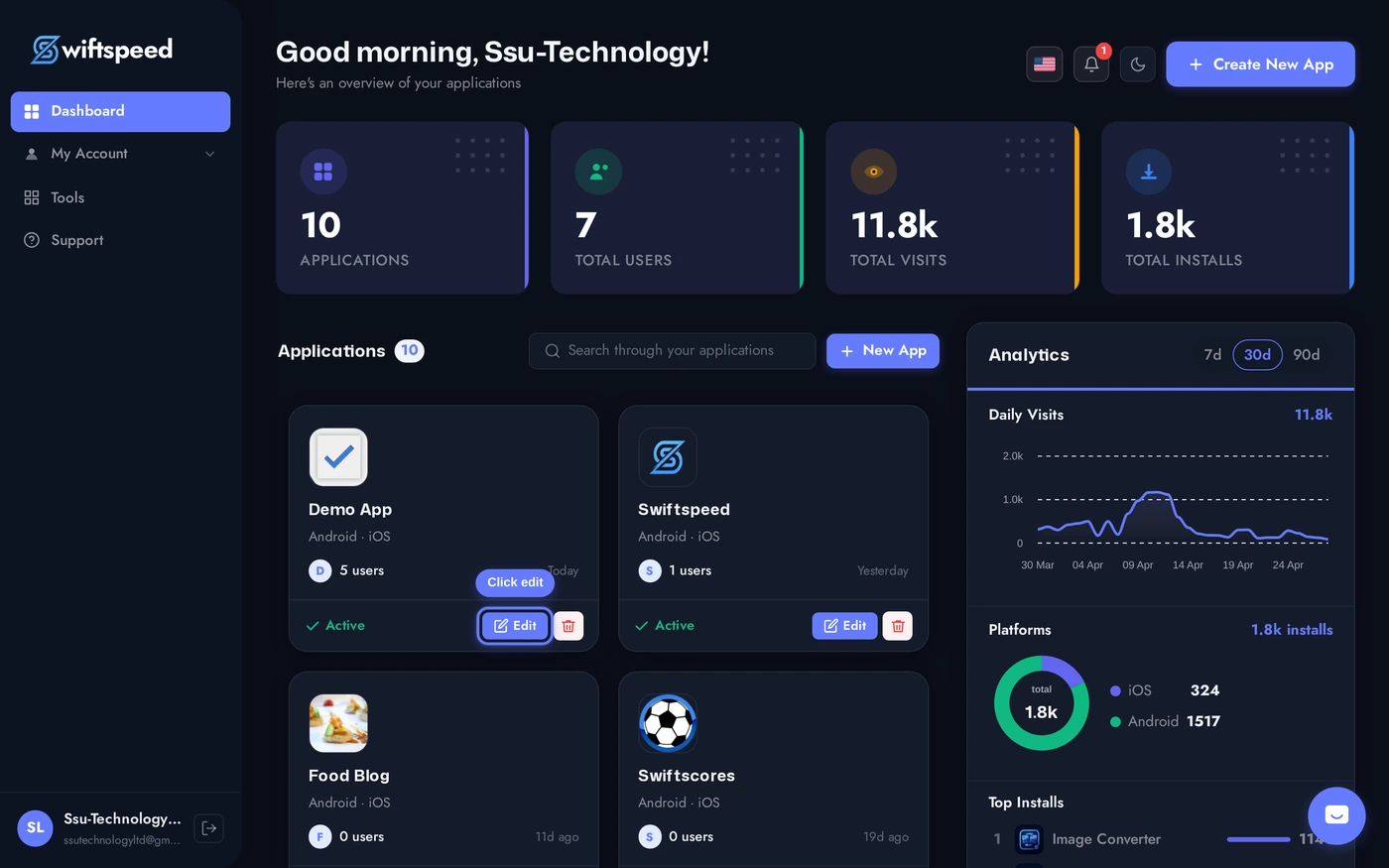
Open the app in the editor.
Sidebar > Settings > Privacy Policy. Two cards: Privacy Policy (full text, rich-text editor) and Terms of Service (separate document, same editor pattern).
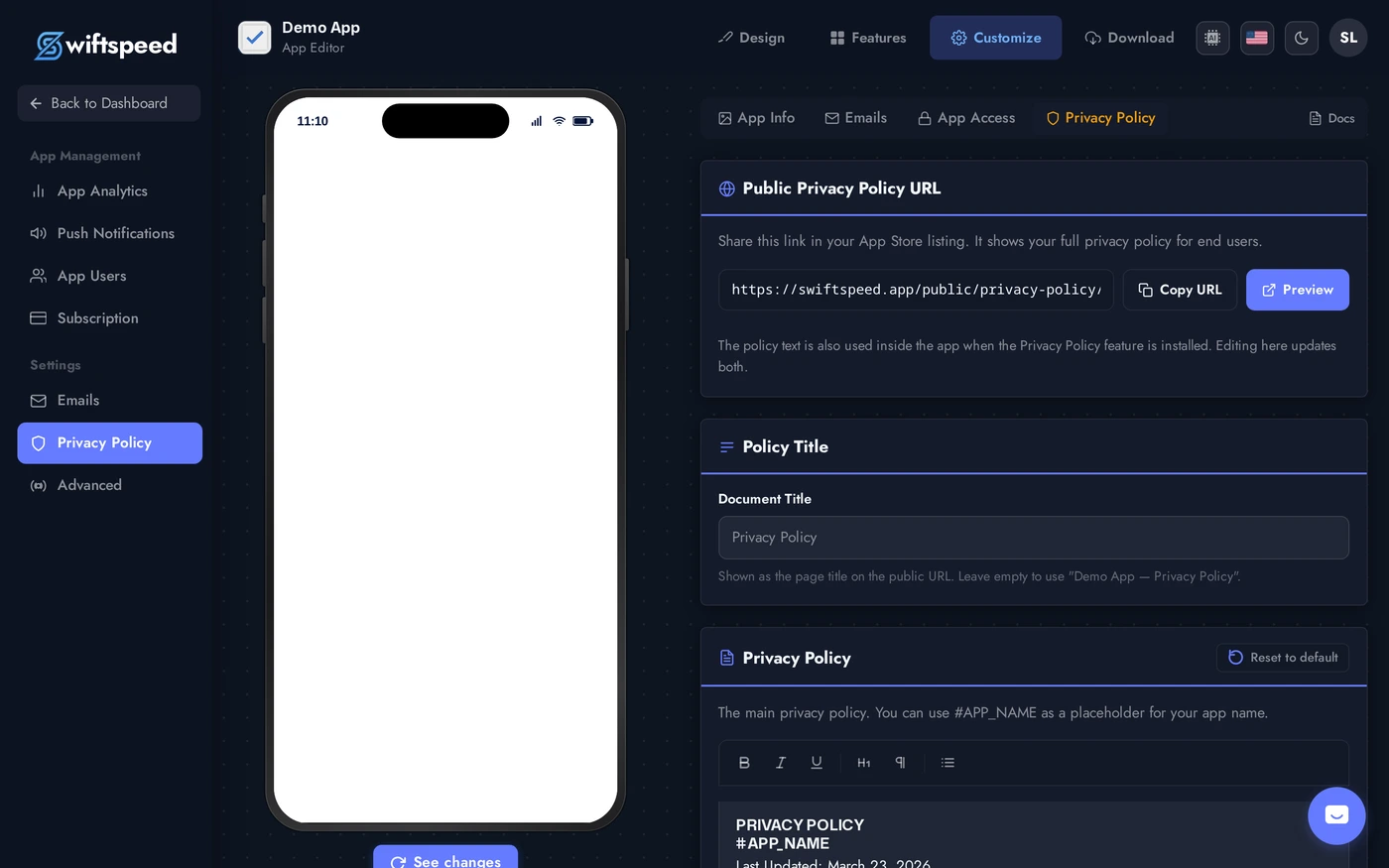
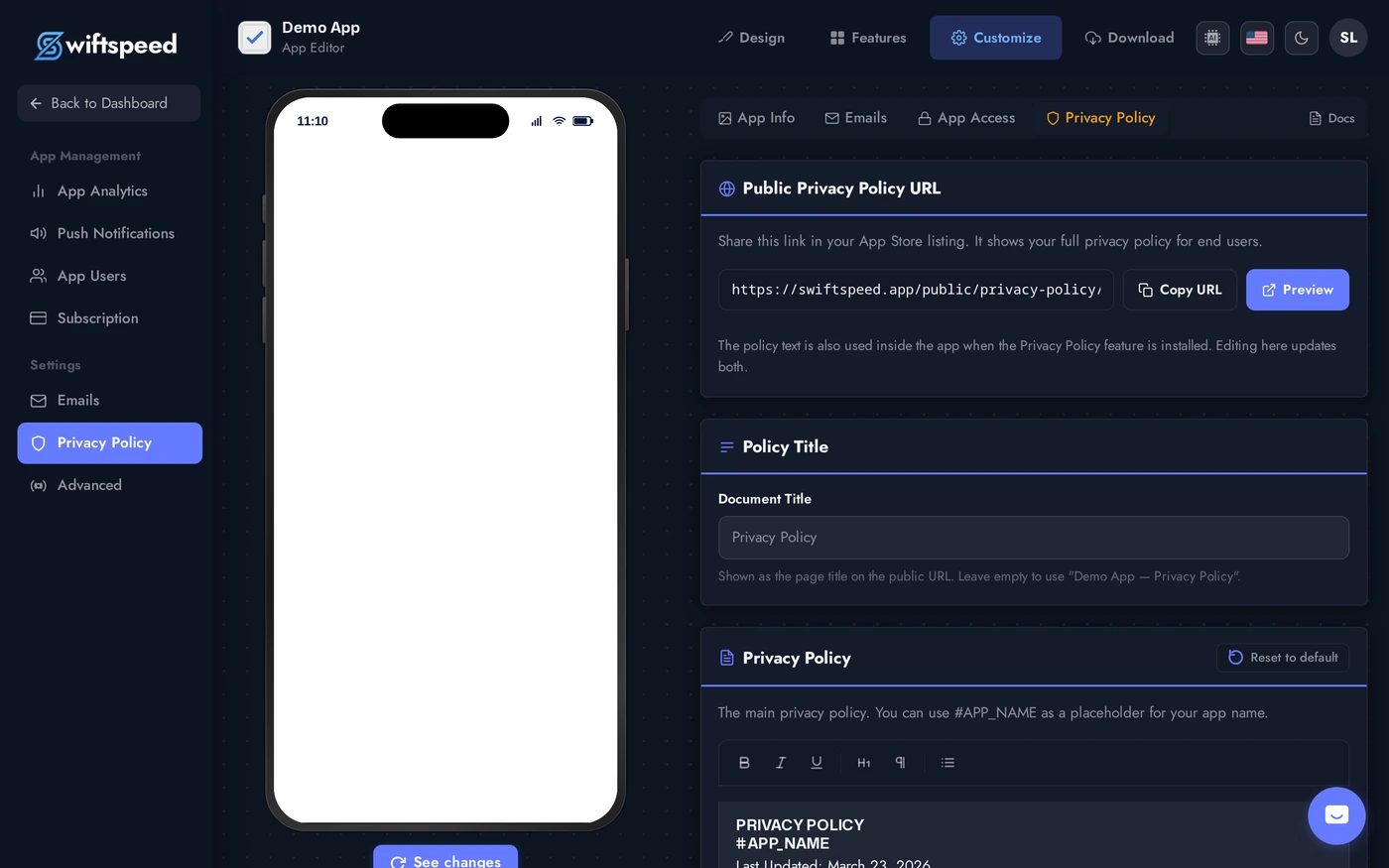
The toolbar gives you headings, bold, italic, lists, links. Paste the policy you wrote (or use a generator like termly.io / iubenda for a starter draft). Save to publish; the public URL updates immediately.
Required Topics in a Privacy Policy
- What data you collect (email, name, location, device ID, usage analytics, payment info).
- Why you collect it (provide service, improve product, marketing, legal compliance).
- Who you share it with (third-party processors, payment gateways, analytics, advertisers).
- How long you keep it (and how customers can request deletion).
- How customers contact you about their data (email + postal address).
- Geographic compliance: GDPR clauses for EU users, CCPA for California, COPPA for under-13 audiences. Generators handle this automatically.
Where the URL Goes
- Play Console > App content > Privacy policy: paste the public Swiftspeed-hosted URL.
- App Store Connect > App Privacy: paste the same URL into the privacy policy URL field.
- Inside the app: most templates link to the policy from the My Account / Settings tab automatically.
- On your marketing site: link to the same URL from your website footer for consistency.
Tips
- Update the policy when you add features that collect new data. Adding the e-wallet means you now collect payment info, the policy needs to reflect that.
- Date the policy. "Last updated: 2026-04-28" at the top builds trust and is required in some jurisdictions.
- Keep terms-of-service separate, even though most generators bundle them. Apple specifically wants a privacy policy URL, not a combined document.
- Translate for international markets. If you list in the French App Store, French law expects French privacy text.