Rate App Feature
Why Ask for Ratings
App Store and Play Store ranking algorithms reward apps with high ratings and recent reviews. New apps with no reviews start with no signal; the algorithm has to choose between you and a competitor with 4.7 stars based on metadata alone, and you lose every time. The Rate App feature surfaces the native system rating prompt to engaged users (not first-time visitors), so you collect honest ratings without disrupting the experience.
How It Works
- The feature uses the native iOS
SKStoreReviewControllerand Android in-app review API. The prompt is a system dialog Apple and Google designed; it does not feel like a third-party intrusion. - Apple limits the prompt to 3 times per 365-day period per user. Android does not surface the prompt if the user has already left a review or has been prompted recently. This is enforced by the platforms, not by Swiftspeed.
- When the user submits a rating, it goes straight to the App Store / Play Store. They never leave your app.
Configuring Rate My App
Open the app in the editor.
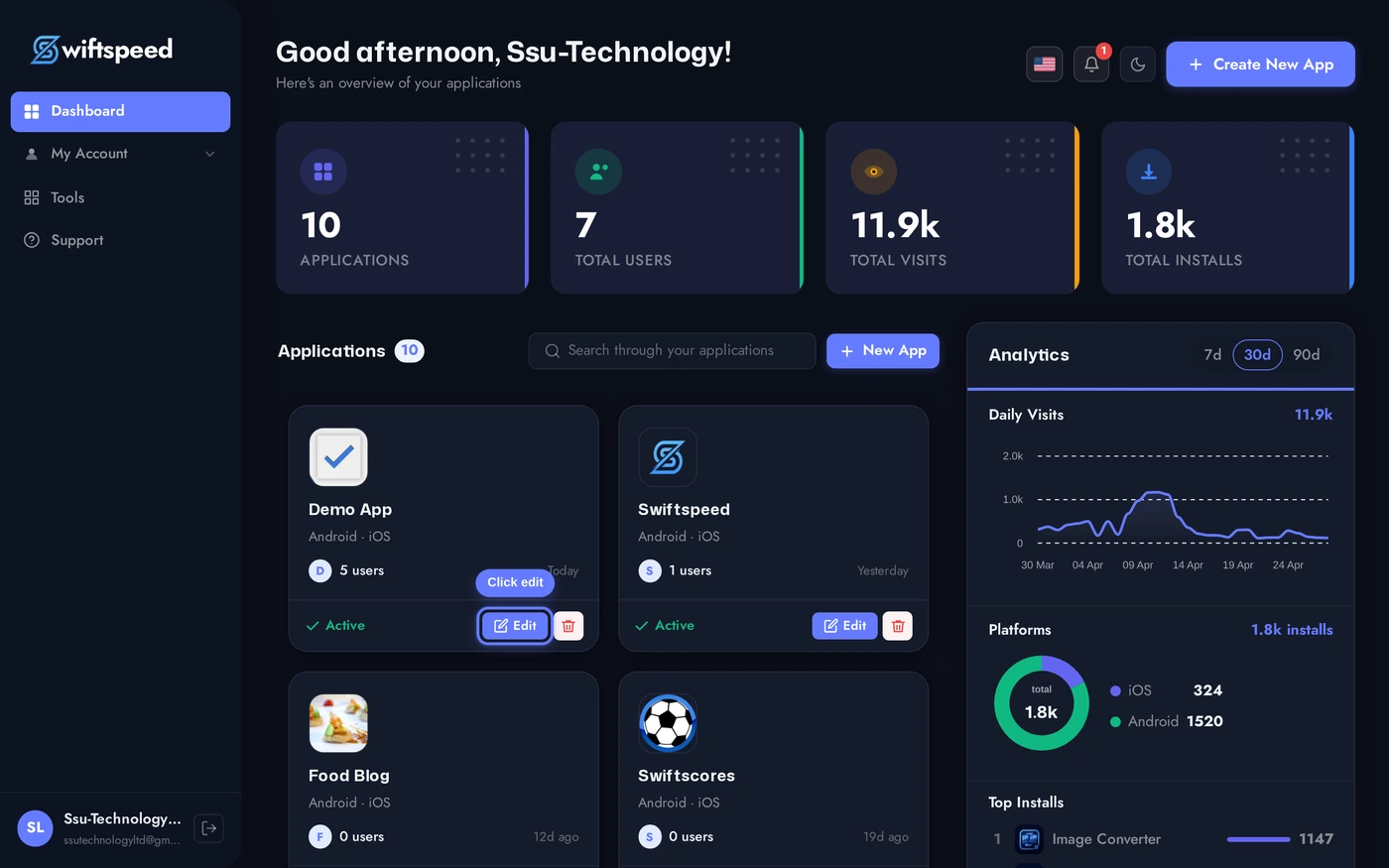
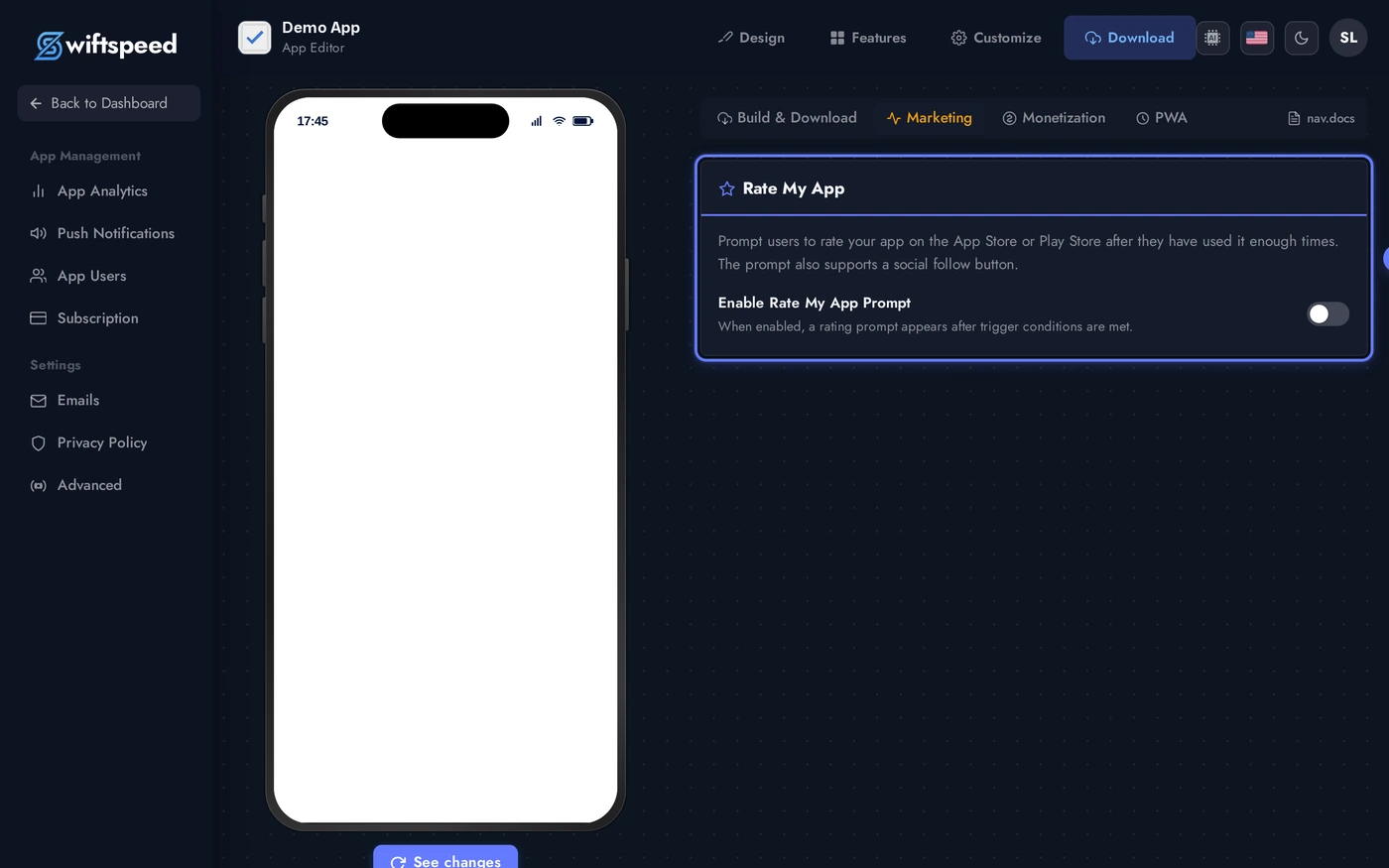
Top bar > Download > Marketing sub-tab. Scroll to the Rate My App card. Flip Enable prompt on, paste your iOS App Store URL and Google Play URL so the native prompt knows where to send tappers. The optional Social Follow card below lets you add a follow-us URL + button label that surfaces alongside the rating prompt.
Trigger Best Practices
- After a positive moment. A successful purchase, a completed quiz, a 5-day streak. Never after an error or a frustrating flow.
- Not on first launch. Users with zero context rate harshly. Wait for at least 3-5 sessions and 5+ days since install.
- Not too often. Even though Apple caps to 3/year, asking constantly looks needy. Once after onboarding, once at month 3, once at year 1 is plenty.
- Skip the "would you like to rate" pre-prompt. Old apps used to show a custom modal first ("Are you enjoying our app? [Yes/No]") then the system prompt. Apple now flags this as manipulation. Show the system prompt directly.
Tips
- Respond to every review. Rating prompts work, but the public reviews customers actually leave only become a flywheel if you reply. A "thanks for the feedback" within 48 hours moves the algorithm.
- Track the conversion rate in App Store Connect / Play Console. If the prompt is showing but ratings are not improving, the ratings are bad and the trigger is the messenger. Fix the underlying experience.
- The prompt is silent for some users. If the system has already prompted them recently, the call is a no-op. Don't panic if your trigger fires but no dialog appears, the platform may have suppressed it.
- Localize the timing. App active in multiple time zones means triggers fire at different local times. Most users won't care, but for sensitive flows (e.g. financial apps), add a "between 9am and 9pm local time" guard.