Setting Up PWA (Progressive Web App)
S
Swiftspeed TeamWhat is a PWA?
A Progressive Web App (PWA) is a website that installs onto a phone's home screen and runs like a native app: full-screen, no browser chrome, push notifications on most devices, offline support. Customers visit your PWA URL, tap "Add to Home Screen", and the app icon lands on their phone. No App Store review, no Play Store fee, no APK / IPA build cycle. It is the fastest way to ship a mobile app.
Setting Up the PWA
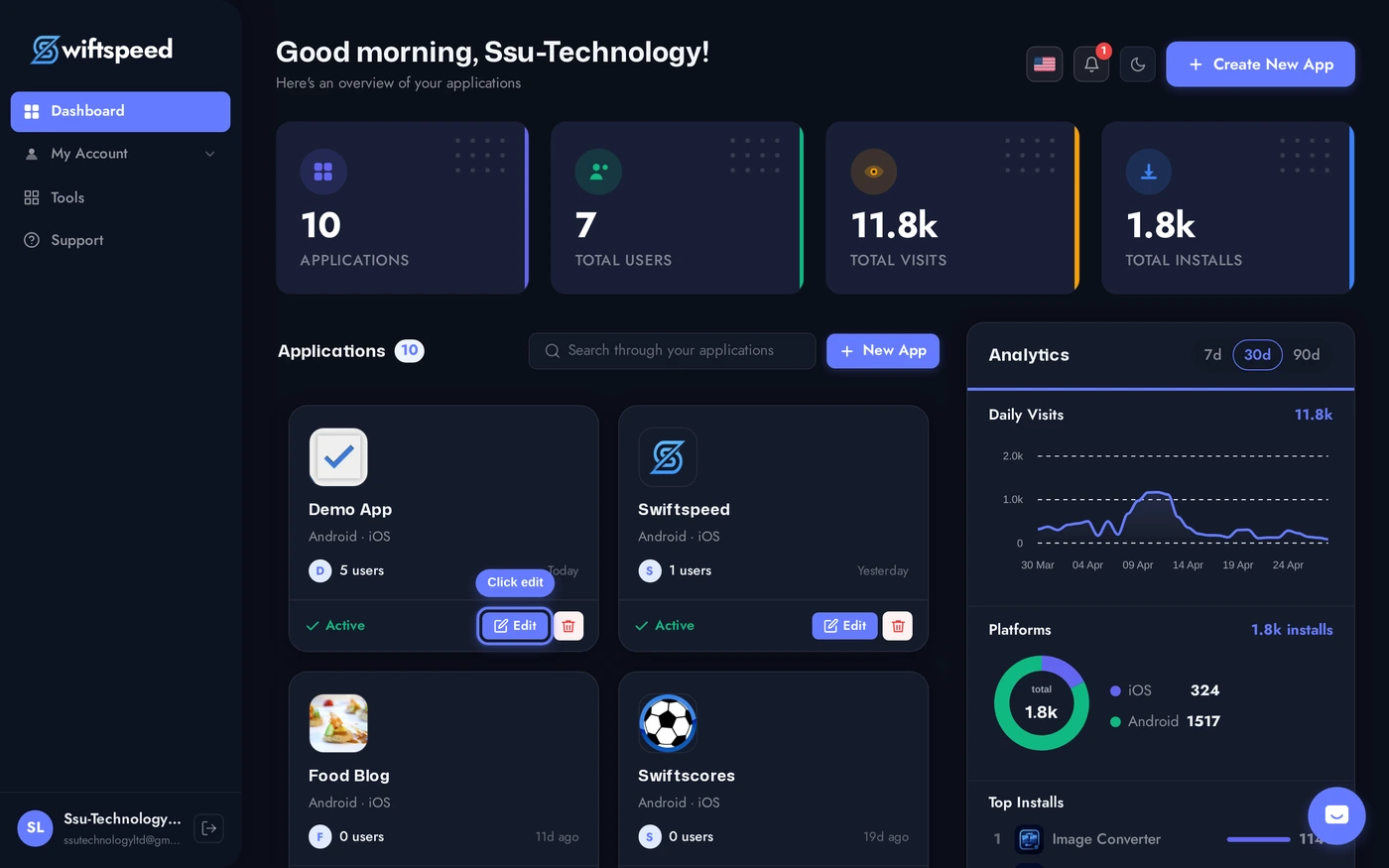
Open the app in the editor.
Top bar > Download > PWA sub-tab. Three cards: Domain (the URL the PWA lives at), Manifest (icon, name, theme color), Service Worker (offline strategy).
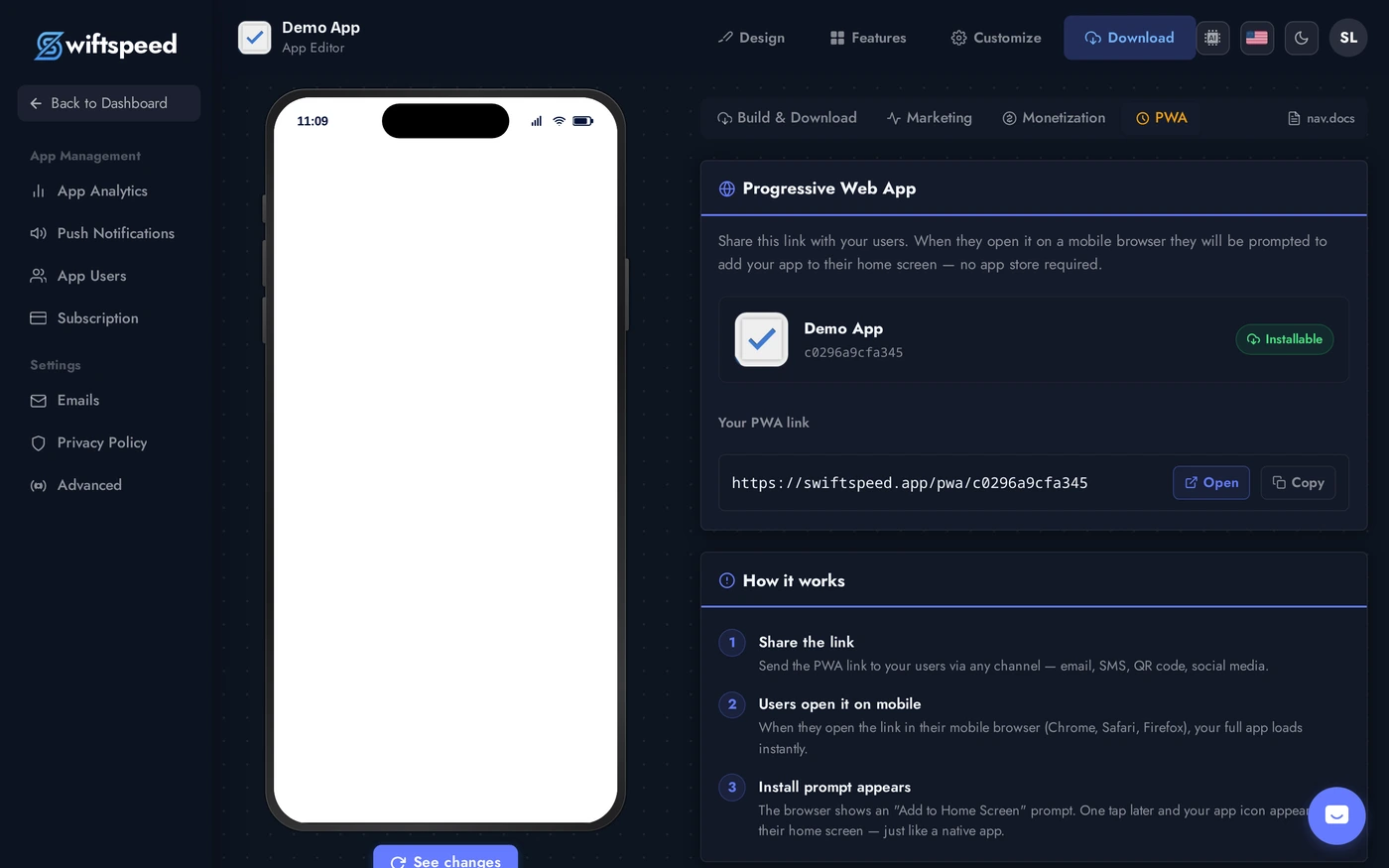
PWA Settings Explained
- Domain: pick the URL where the PWA is hosted. Default is
<your-app-key>.swiftspeed.app. Pro plan lets you point a custom domain likeapp.yourbrand.com(full DNS instructions in the editor). - Manifest: app name (shown under the home-screen icon), short name (used when space is tight), theme color (matches the system status bar when the PWA opens), background color (matches the splash screen), display mode (standalone / fullscreen / browser).
- Service Worker: caches app assets so the PWA loads instantly on repeat opens and works offline for static content. Cache strategy options: Cache First (best for static apps), Network First (best for content apps that update frequently), Stale While Revalidate (best balance, default).
- Install prompt: PWAs trigger the browser's native install prompt automatically. Customers see a banner saying "Install this app" when they meet the engagement threshold (typically 30+ seconds, multiple visits).
Distributing the PWA
- Share the PWA URL anywhere: SMS, email signature, QR code, social media bio. Tapping the URL on a phone opens the install prompt.
- iOS PWA install: Safari > Share > Add to Home Screen. Push notifications limited compared to Android.
- Android PWA install: Chrome / Edge / Samsung Internet auto-prompt. Full notification + background sync support.
- Desktop PWAs: Chrome, Edge, and Safari all install your PWA as a desktop app. Same URL, same code, same Swiftspeed editor.
Tips
- PWA is the right choice when you want to launch fast, you do not need camera / Bluetooth / advanced native APIs, and you control the URL where customers will install from.
- Native is the right choice when you need App Store / Play Store distribution, deep native API access (Apple Pay, ARKit, advanced background modes), or customer trust signals from the official stores.
- You can ship both. PWA at
app.yourbrand.com, native iOS in App Store, native Android in Play Store. Same Swiftspeed editor pushes to all three. - Custom domain requires HTTPS. PWAs only work over https. Swiftspeed-hosted domains have HTTPS automatically; custom domains need a valid certificate (Let's Encrypt is free and works).