Wallpaper Feature
What is the Wallpaper Feature?
The Wallpaper feature is a curated image gallery inside the mobile app. Users browse categories, tap a wallpaper, preview it full-screen, and save it to their phone's photo library. Perfect for photography brands, art collections, fan apps, design studios, anyone with a library of high-resolution images they want to make available for download.
Adding the Wallpaper Feature to Your Mobile App
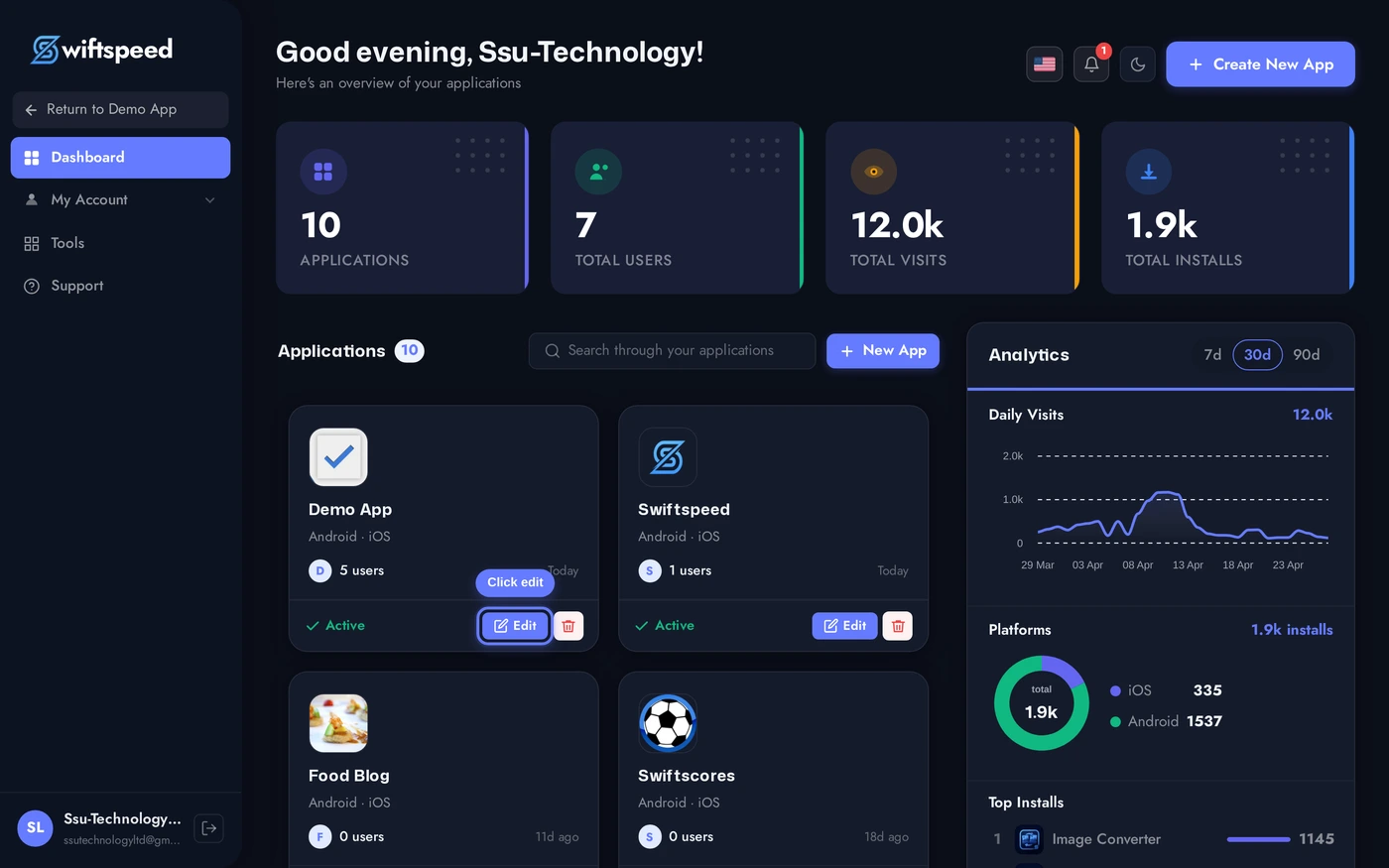
Click the edit pencil on the mobile app you want to add a wallpaper gallery to.
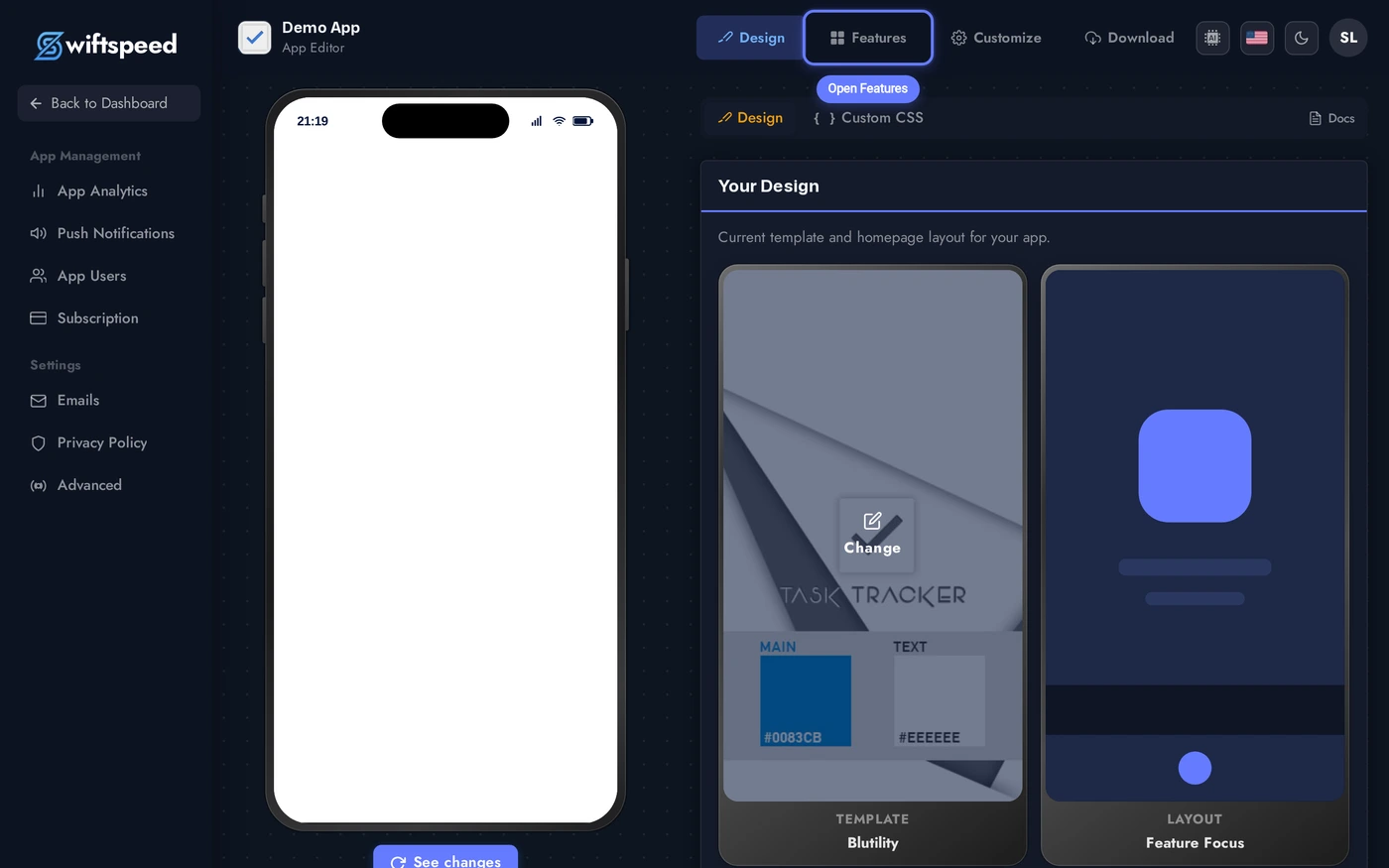
Click Features in the top bar.
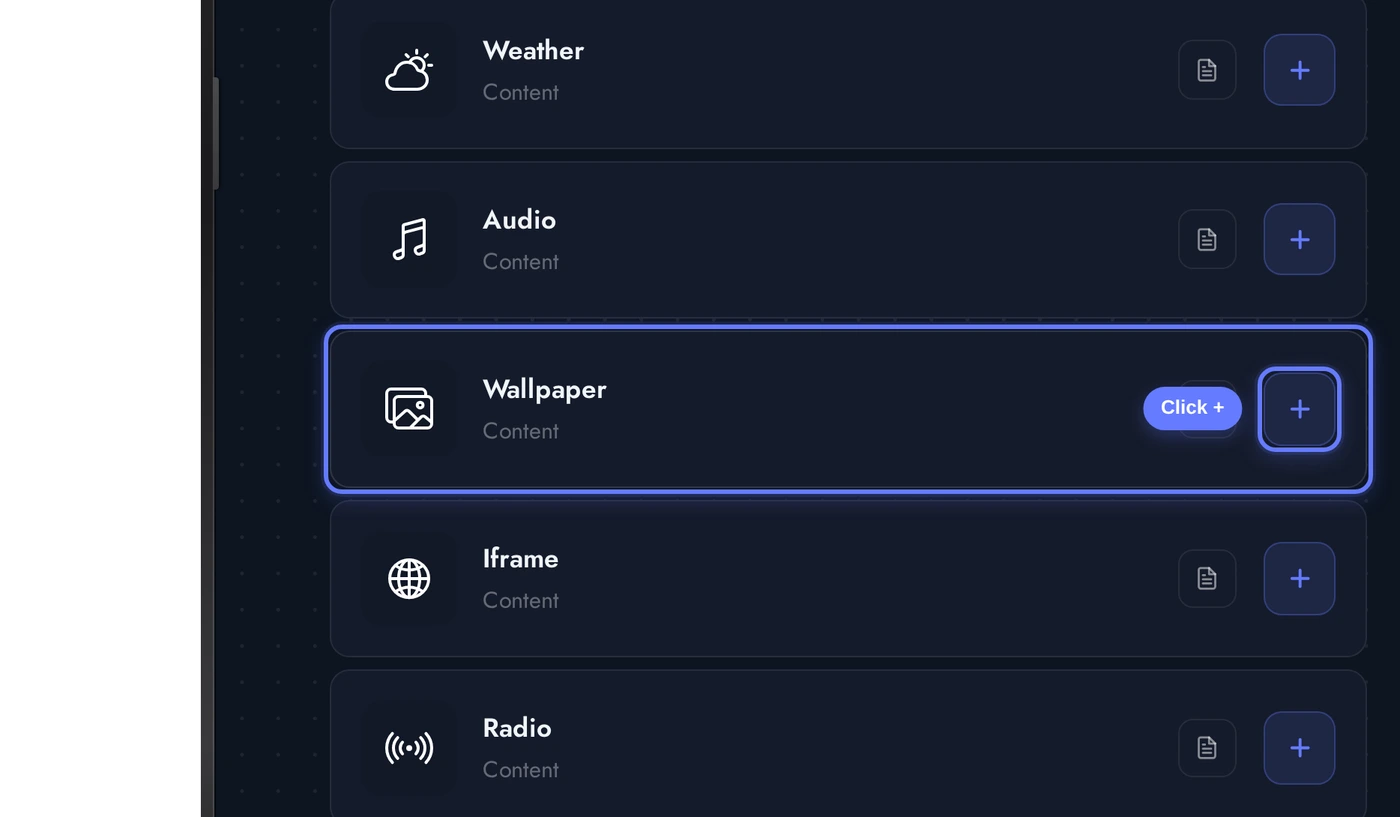
Find the Wallpaper card and click the + button. The native gallery is added with a demo pack of public-domain space and nature wallpapers.
The Editor: Categories and Images
When the Wallpaper editor opens, several cards stack:
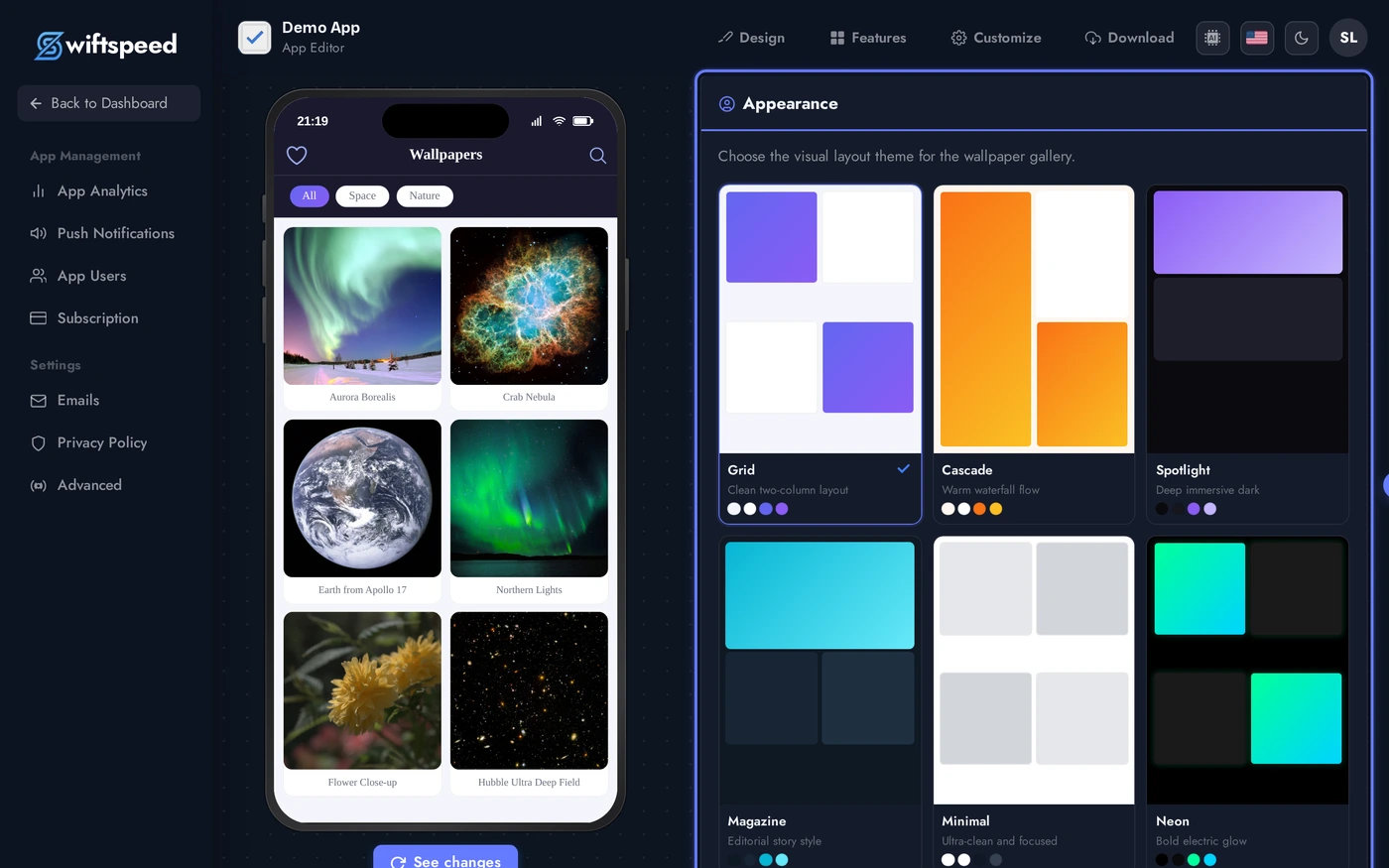
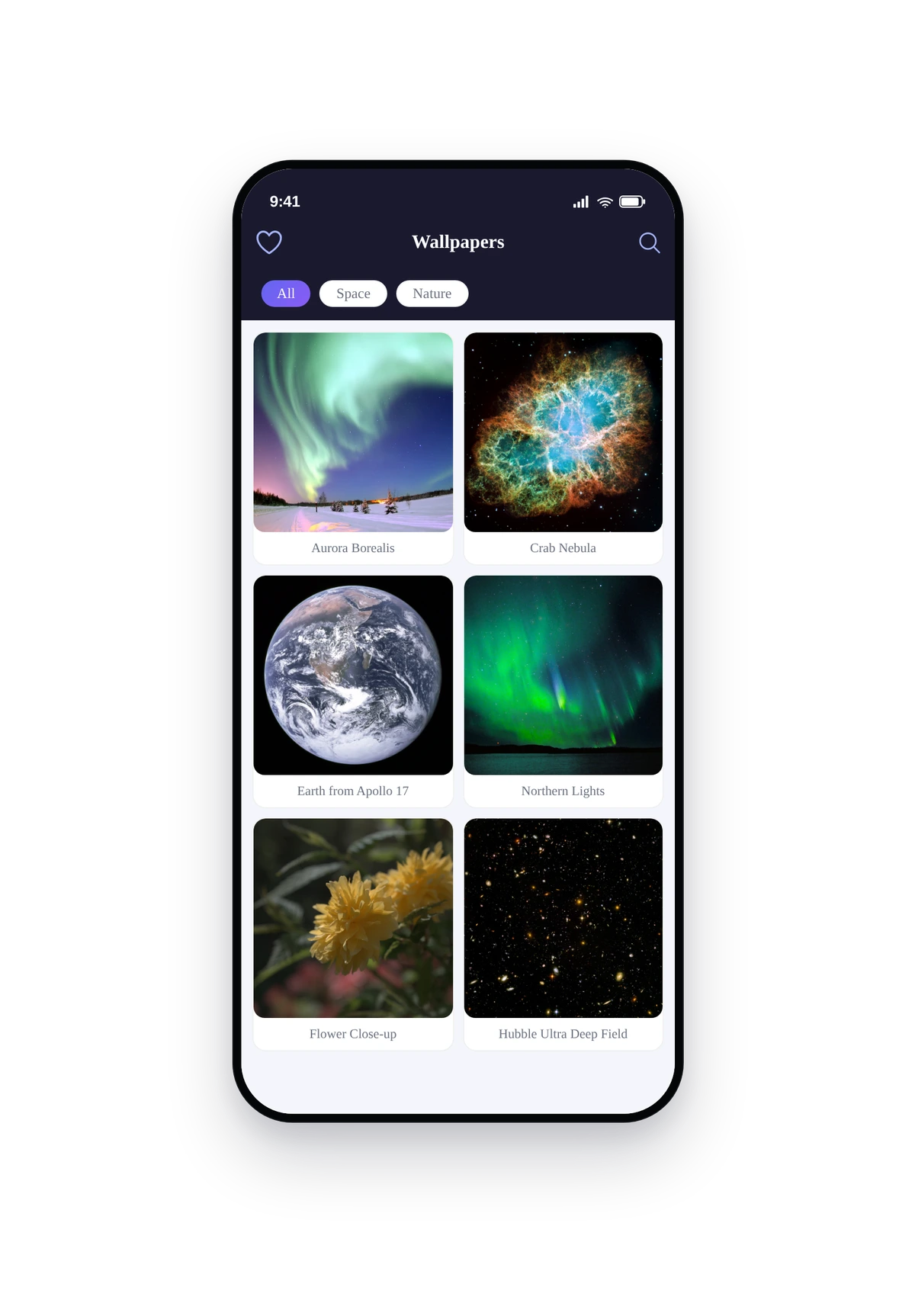
The seeded demo includes 2 categories (Space, Nature) and 6 public-domain wallpapers from NASA and Wikimedia. Replace them with your own catalogue, the editor autosaves on every change.
- Hero / Header: title and subtitle shown at the top of the gallery.
- Appearance: theme + custom colors that style the gallery grid, category tiles, and detail page.
- Categories: top-level groupings (Space, Nature, Abstract, etc.). Each category has a name, cover image, and position.
- Images: individual wallpapers. Each one has a title, full URL to the image, optional featured flag (promotes the wallpaper to the top of its category), and a category assignment.
- Storage (optional): connect S3, Google Cloud, or FTP so you can browse and pick images from your bucket inside the editor instead of pasting URLs.
Live Preview of the Wallpaper Gallery
Here is how the seeded wallpaper pack renders inside a real phone running the native gallery:
Tap any wallpaper to open the full-screen preview. From there, tap Save to write the image to the phone's photo library, or share via the system share sheet. Categories swipe horizontally at the top.
Tips and Best Practices
- Upload at the highest resolution you have. Modern phones use 1080x2400 or higher displays. Anything smaller looks soft when set as a wallpaper. Aim for 1440x3120 or larger.
- Square covers convert better than wide thumbnails. Even though wallpapers are tall, the category cover and grid thumbnail look best square (1080x1080) so they tile cleanly in the gallery.
- Featured flag controls the hero block. Each category can have one featured image at the top. Use it for your strongest cover.
- Storage providers speed up bulk uploads. Configure S3 or GCS once, then drag-and-drop images straight from your bucket inside the editor without manually pasting URLs.
- You own the rights, you keep the rights. Swiftspeed never sees the images, the gallery fetches them directly from your storage. Only ship wallpapers you have the legal right to distribute.
- HD = bigger files = slower load. A 4K wallpaper can be 5-10MB. Cache helps but the first-time download still hits the user's data plan. Compress aggressively (JPEG quality 85-90) before uploading.