Weather Feature
What is the Weather Feature?
The Weather feature is how Swiftspeed turns a city name into a polished native weather page inside any iOS or Android app, without writing a line of code. You search for a city, the editor saves the latitude + longitude, and the native weather feature renders a clean forecast view (current conditions, hourly, daily) on the phone with full theme customization.
You can use the built-in free weather provider (Open-Meteo, no API key required) or paste your own Open Weather Map API key for paid-tier accuracy. The native weather page caches the last forecast on-device so it still loads when the user is offline, and supports both °C and °F.
Adding the Weather Feature to Your Mobile App
From your Swiftspeed dashboard, click the edit pencil on the mobile app you want to add a weather page to.

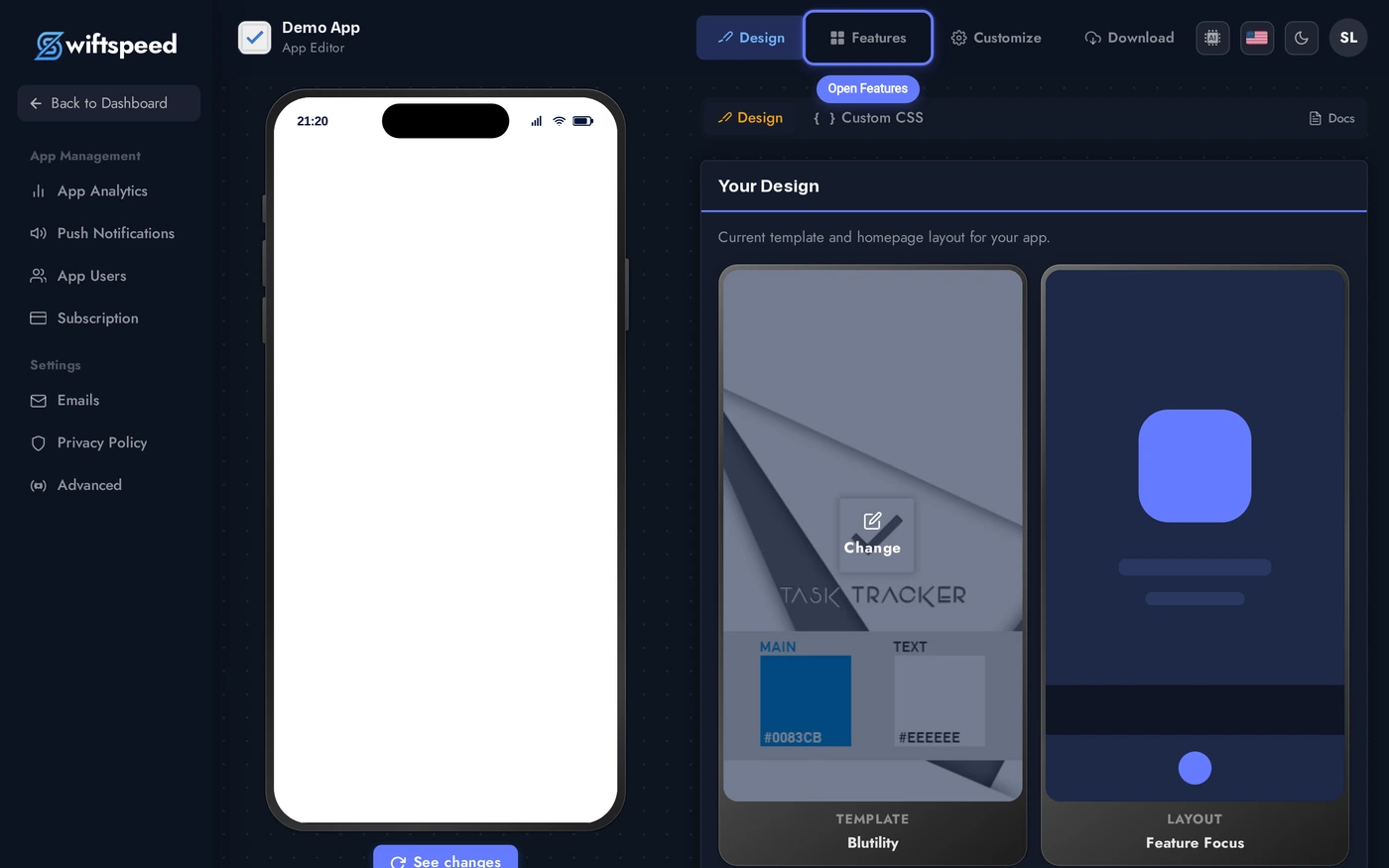
Click Features in the top bar of the App Editor.
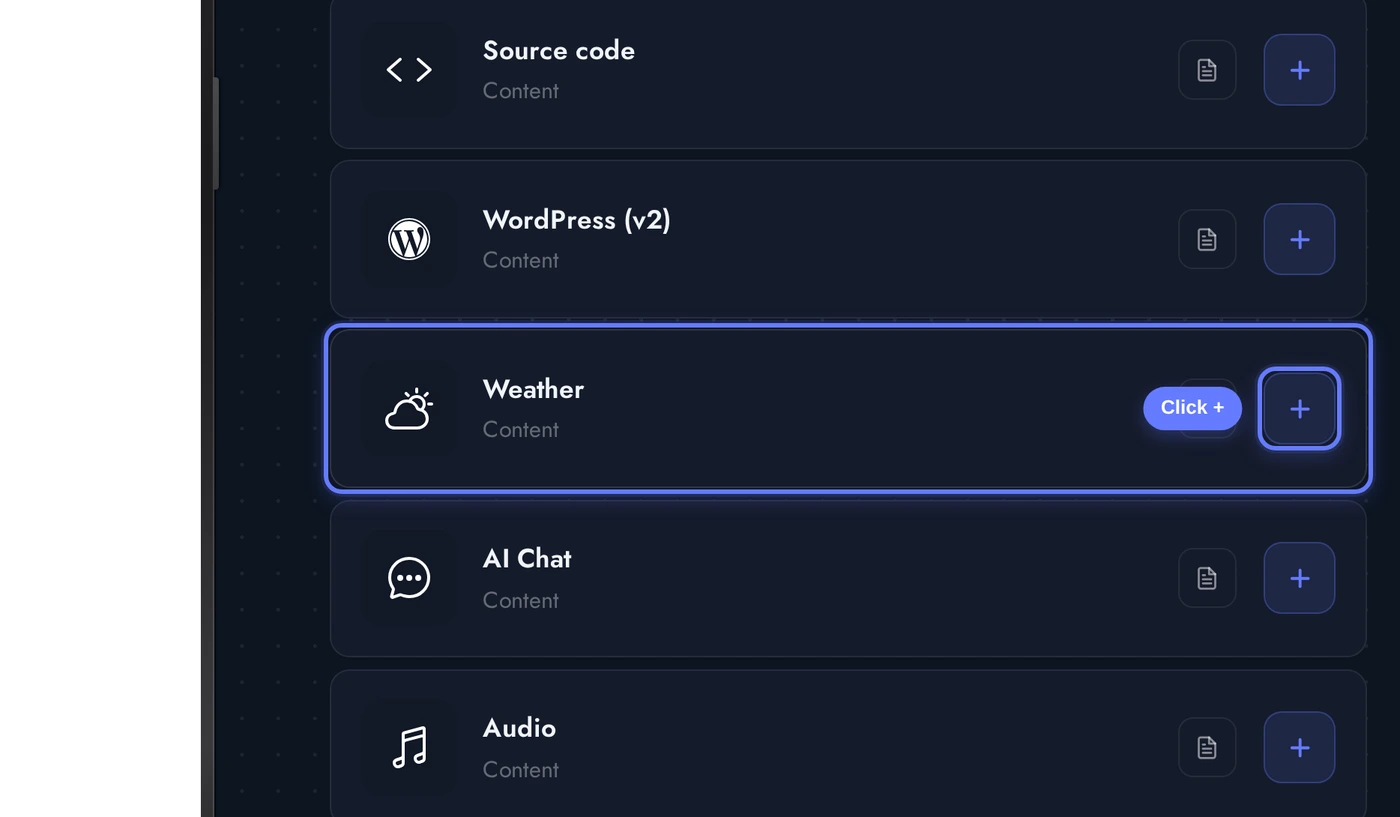
Find the Weather card in the Add a Page list and click the + button. The native weather page is added and pre-loaded with San Francisco demo data so the next screen renders immediately.
Picking a Location
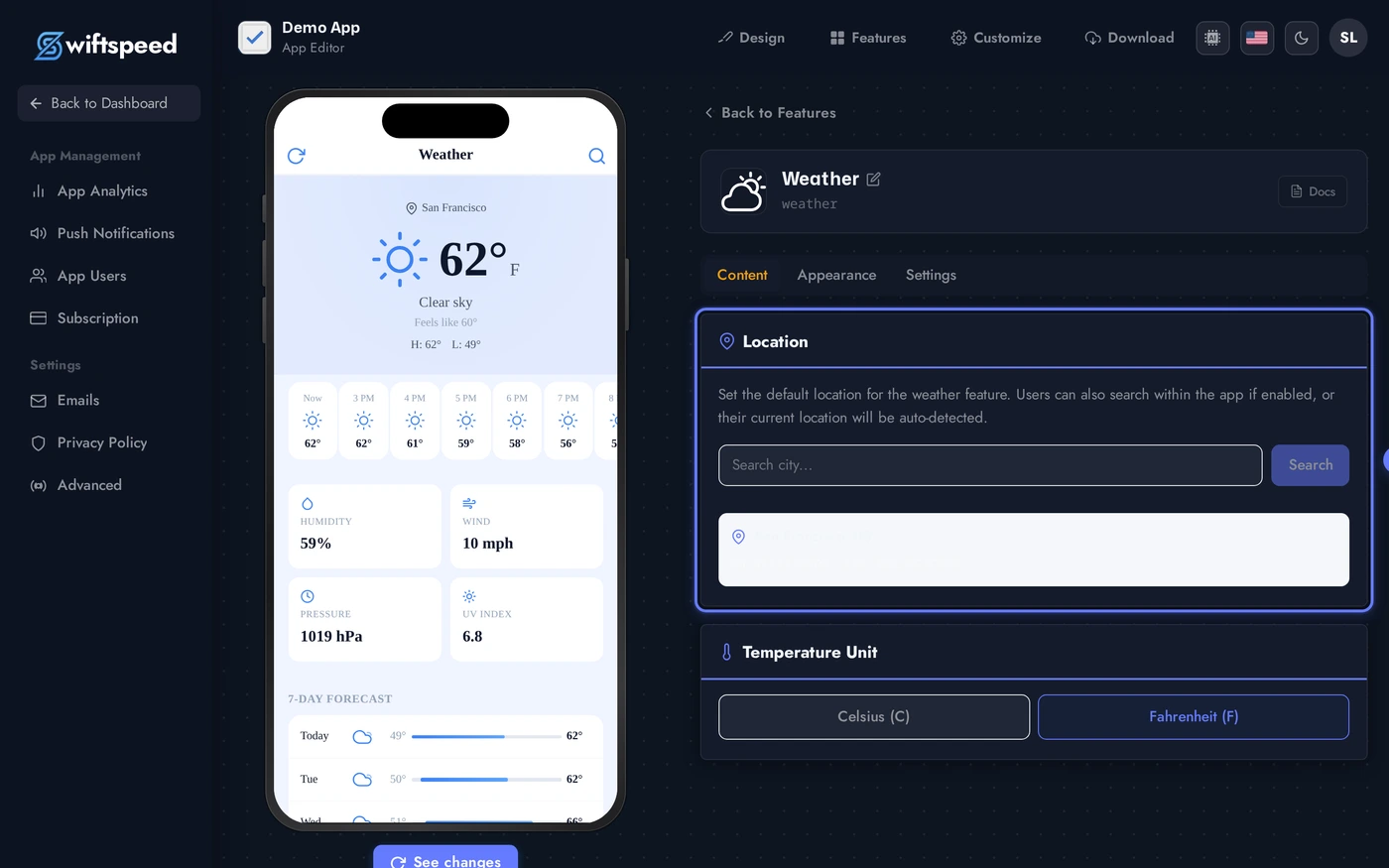
When the Weather editor opens, the Location card sits at the top of the Content tab. Type a city name into the search box and the editor calls a free geocoding API to return matches. Click any result to lock in the latitude + longitude, those coordinates are what the native weather feature passes to the forecast provider.
The seeded location is San Francisco, US at 37.7749, -122.4194. Replace it any time by searching for a different city, the native weather page picks up the new coordinates on the next save.
Temperature Unit, Time Format, and Behaviour Toggles
Below the Location card sit a row of small but important behaviour toggles that shape how the weather feature feels in the native app:
- Temperature unit: °C or °F. Stored per-feature, defaults to °F on the seed.
- Time format: 12-hour or 24-hour clock for hourly forecasts.
- Show details: include extras like UV index, wind speed, humidity, sunrise/sunset on the native weather page. Toggle off for a minimalist forecast.
- Allow location change: gives end users a search bar inside the native weather page so they can look up other cities. Off keeps the feature pinned to the city you set.
- Auto-detect location: asks the user for location permission and uses the device GPS instead of the saved city. Both are kept on so the native weather feature falls back gracefully if permission is denied.
- Cache enabled: stores the last forecast on-device so the weather feature still renders something useful when the user is offline. On by default.
Designing the Weather Page (Themes and Custom Colors)
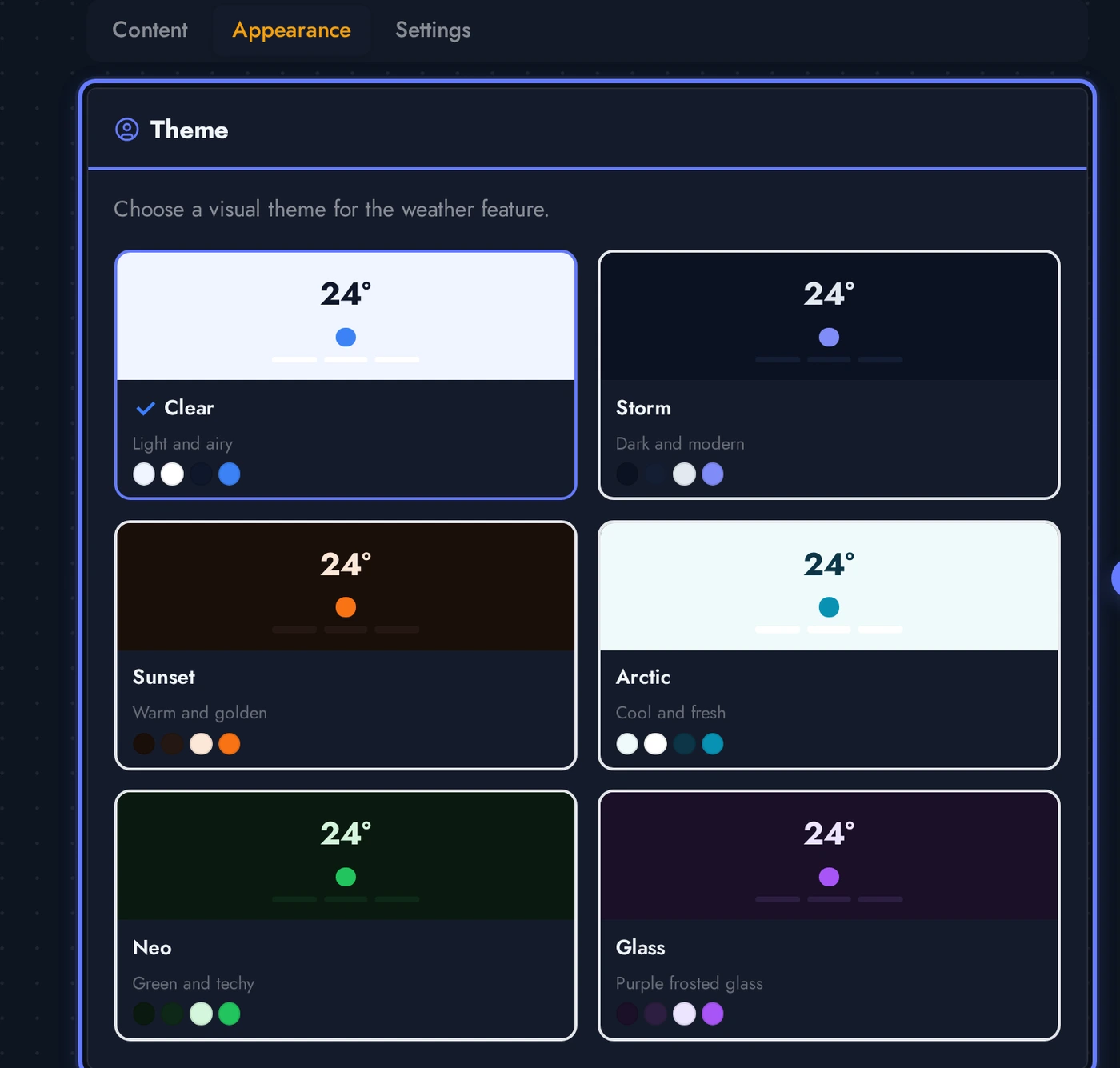
The Appearance tab controls how the weather feature looks on the phone. Pick a theme for an instant complete look, then refine individual colors through the Custom Colors panel.
Each theme card previews the weather feature look. Click any card to apply, the phone preview updates without a re-build. Custom Colors below the grid lets you override individual values when the customer's brand needs a specific accent.
Live Preview of the Weather Page
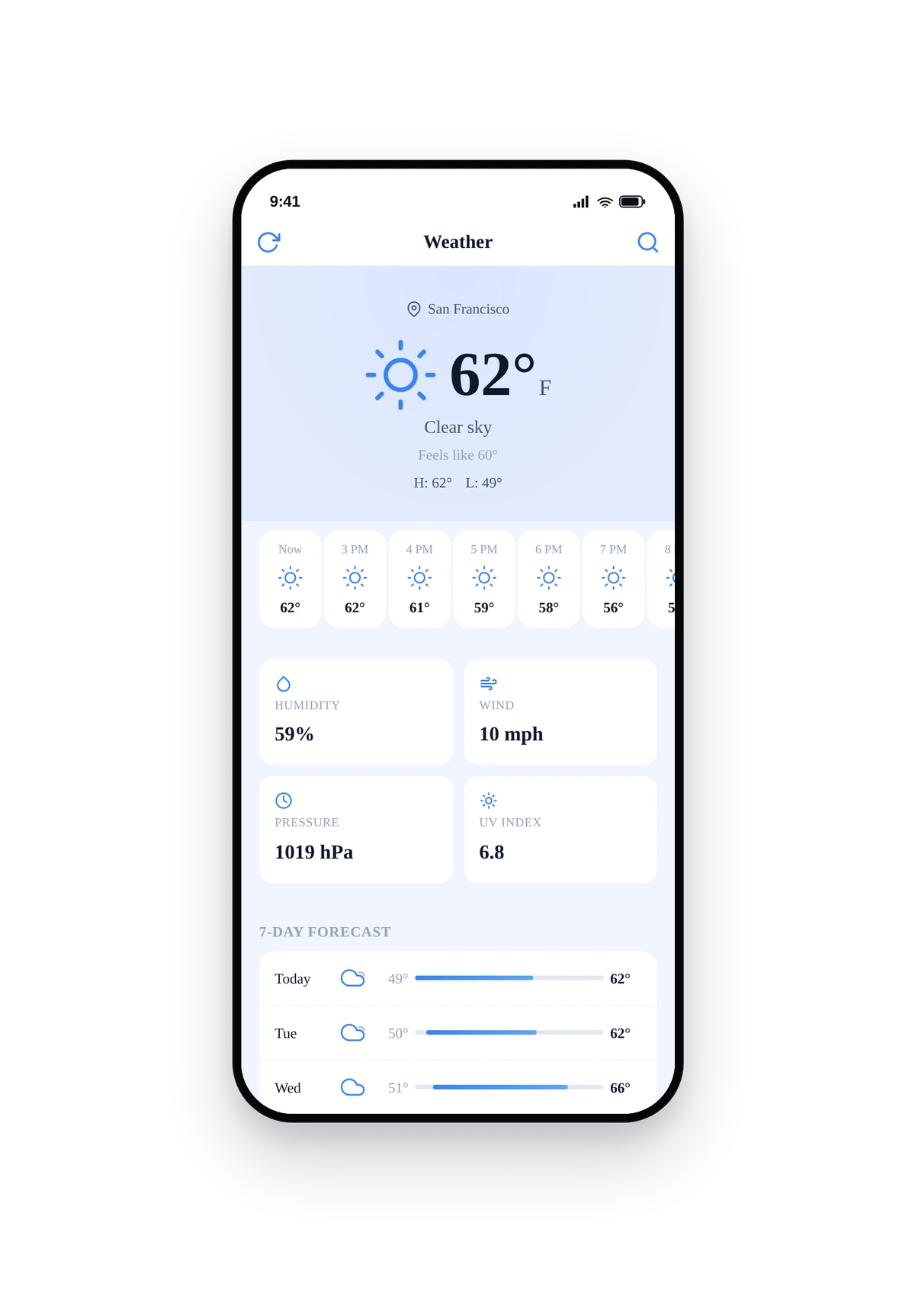
Here is how the seeded San Francisco forecast renders inside a real phone running the native weather feature:
This is the actual native UI of the weather feature, not a mockup. Current temperature at the top, hourly strip, then a multi-day forecast. Pull down to refresh from the provider, the cache layer keeps the last forecast on-device so it still loads offline.
Tips and Troubleshooting
- No API key required by default. The free Open-Meteo provider handles current conditions, hourly, and daily forecasts at no cost. Paste an Open Weather Map API key only if you need their specific data feed (e.g. for paid tier minutely precipitation).
- Auto-detect needs runtime permission. Both iOS and Android prompt the user for location access on first launch. If the user denies, the weather feature falls back to the city saved in the editor.
- Cache lifetime is short by design. ~30 minutes for current conditions, ~1 hour for hourly, ~3 hours for daily. The native weather page refreshes opportunistically when the user opens it, no manual sync needed.
- Show details off = compact UI. Useful for niche apps where the weather page is a secondary surface. Leaves only current temperature + a 3-day strip.
- Allow location change off = single-city app. Best when the entire app is built around one place (a hotel, a venue, a festival).
- Rebuild for the unit toggle to flow through to the native app. Existing builds carry the old default until users update from the App Store / Play Store.